
Restored Photo Gifts for Parents and Grandparents
A restored family photo is one of the most personal gifts you can give. With Retrocap on iPhone or Android, you can repair an old wedding or childhood photo, colorize a black-and-white portrait or animate it, then print it for a frame or album or share it as a surprise on a birthday or anniversary.


Free to download · iPhone & Android · Private
How to make a restored photo gift
- 01
Find the right photo
Look for a photo with a story: a wedding portrait, a first home, a childhood picture or grandparents when they were young.
- 02
Restore, colorize or animate
Repair damage with Restore, add color with Colorize, or bring a portrait to life with Animate. Compare the results and choose your favourite.
- 03
Print or share
Use Upscale x2 before printing for a frame or album, or share the restored photo or animation in the family chat on the day.
Before and after
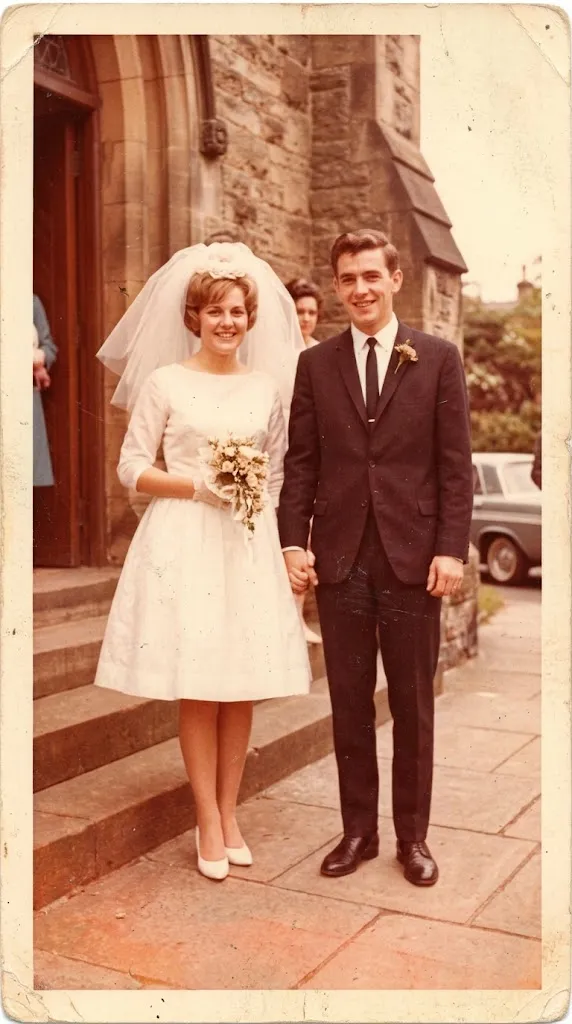

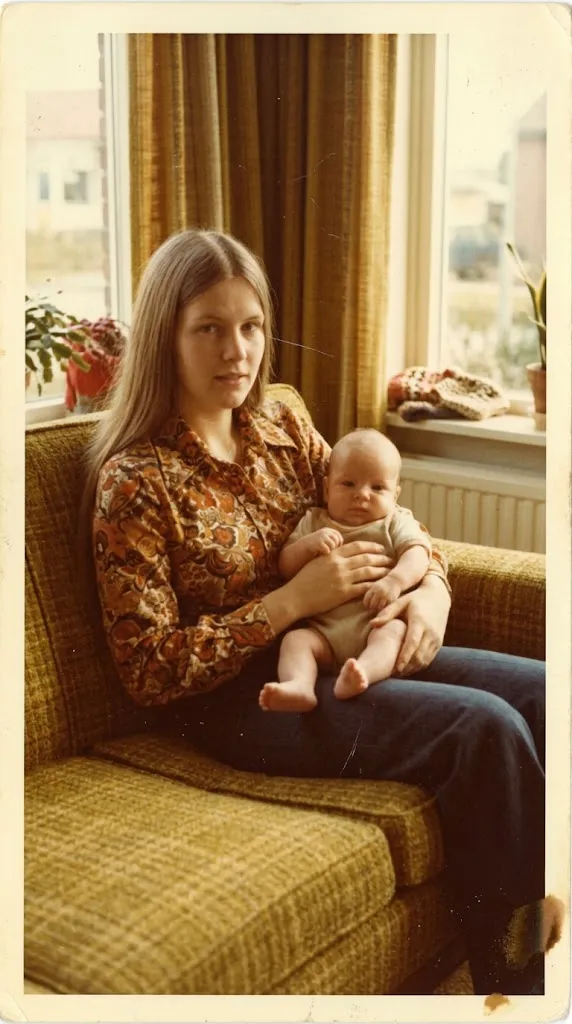
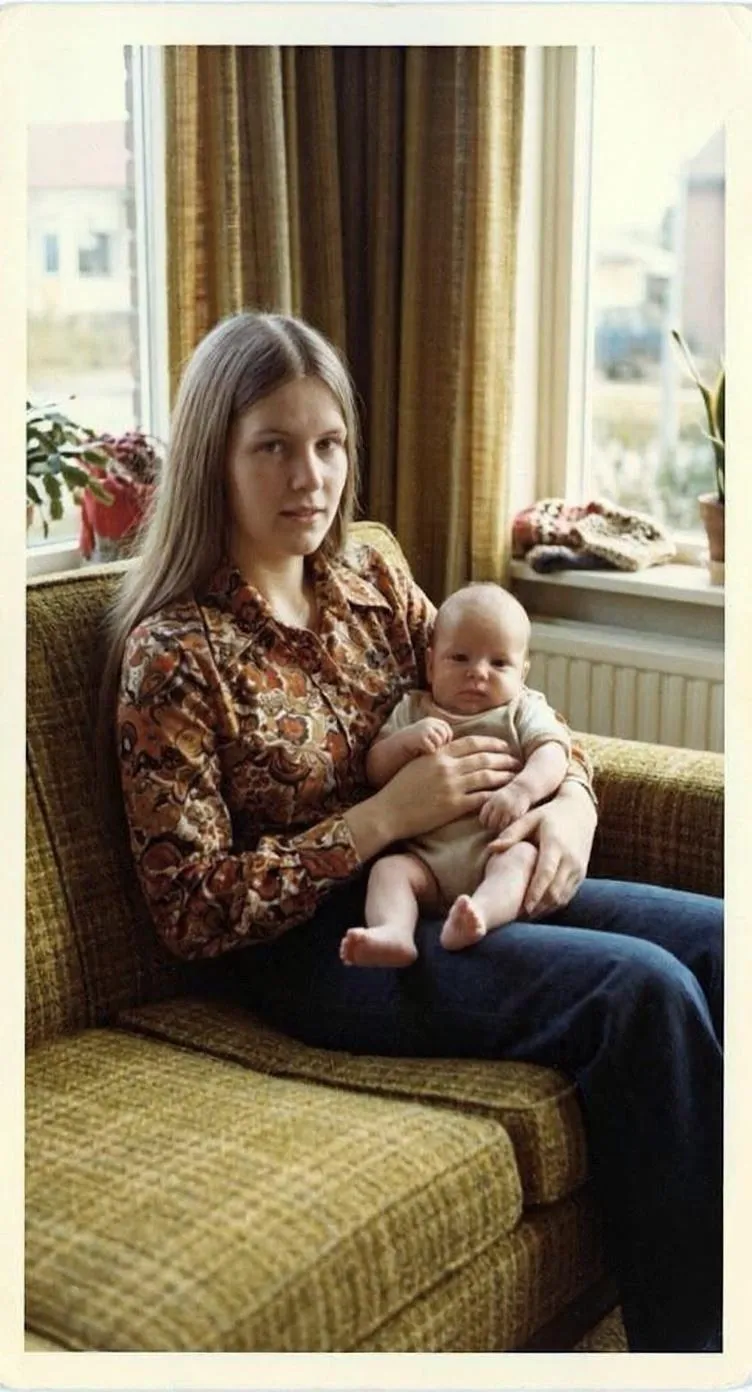
Why restored photos make meaningful gifts
Most families have a box of photos that nobody looks at because they are faded, creased or too small to see properly. Restoring one of them, and giving it back in a frame or album, turns a forgotten print into something people want to look at again. For parents and grandparents, it is often a photo of themselves they haven’t seen clearly in decades.
Choosing between restore, colorize and animate
- Restore is the foundation. It repairs scratches, tears, stains and fading, and sharpens faces. See restoring old photos.
- Colorize adds natural color to black-and-white and sepia photos, which can make a portrait feel surprisingly present. See colorizing photos.
- Animate turns a portrait into a short video with natural movement. It makes a striking surprise, but it is personal, so think about who will see it. See animating old photos.
Always restore first, then colorize or animate the clean version.
Printing your gift
For framed prints and albums, the size of the original matters. Enlarge the photo with Upscale x2 in Enhance, and ask the print shop whether the file is large enough for the size you want. Our print old photos page explains print sizes in more detail.
Tools you'll use
Restore Old Photos
Repair fading, scratches, tears and stains in one tap.
Colorize Black and White Photos
Add realistic color to black-and-white and sepia photos.
Animate Old Photos
Turn old portraits into short videos with natural motion.
Enhance Photo Quality
Sharpen blurry, low-resolution photos and upscale them.
Gift ideas
- Frame a restored wedding portrait for a wedding anniversary, with the original small print tucked into the corner of the frame.
- Make a small album pairing each original photo with its restored version, so the gift tells the story of the restoration.
- Colorize a parent's childhood photo and give it on their birthday.
- Send an animated portrait of grandparents to the family chat on a special day, after checking it with someone close to them first.
- Restore photos of a family home, a car or a pet, not just people. These often bring back the strongest memories.
Frequently asked questions
Which photos make the best gifts?
Photos with a story behind them: wedding portraits, first homes, childhood photos, holidays and grandparents when they were young. A small, faded snapshot can make the most moving gift once restored.
Can I print a restored photo for a frame?
Yes. Use Enhance with Upscale x2 before printing to help the photo hold up at larger sizes, and ask your print shop whether the file is large enough for the frame size you want.
Should I give the colorized or the original version?
Many people give both: the colorized version as the centrepiece and the restored black-and-white version alongside it. Colorization is an interpretation, so the original remains special.
Can I make an animated photo as a gift?
Yes. Retrocap's Animate tool turns a portrait into a short video you can share. If the person in the photo has passed away, check with close family first.
Your family’s story deserves to be seen again.
Don’t let precious memories fade inside shoe boxes and dusty albums. Restore, colorize and cherish them today.