
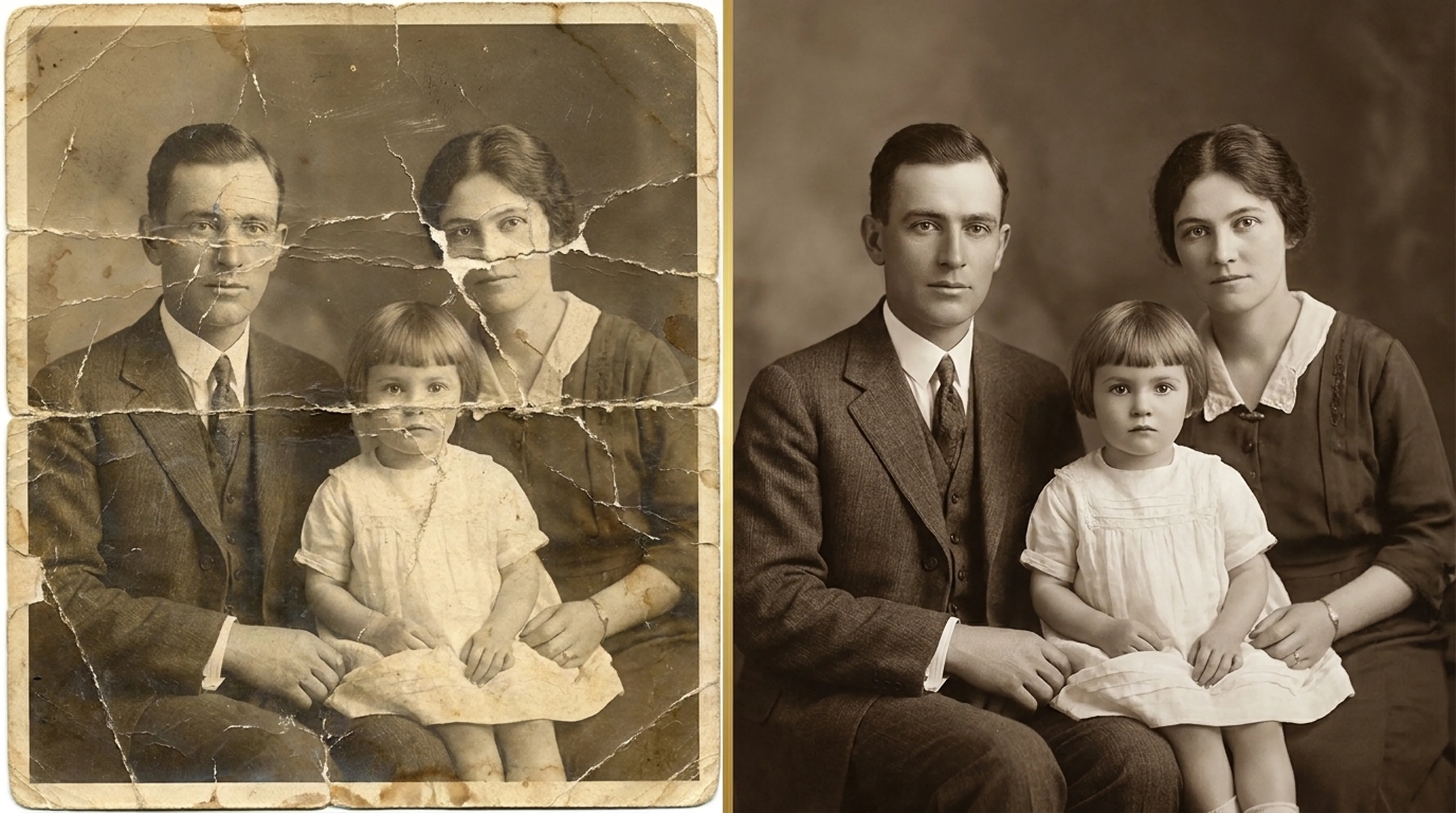
Beginner guide
How to Restore Old Photos: A Complete Beginner’s Guide
Step-by-step instructions on handling vintage prints, digitizing delicate negatives and using AI tools safely.
Practical, step-by-step guides for restoring, colorizing and scanning old family photos.
Beginner guide
Step-by-step instructions on handling vintage prints, digitizing delicate negatives and using AI tools safely.
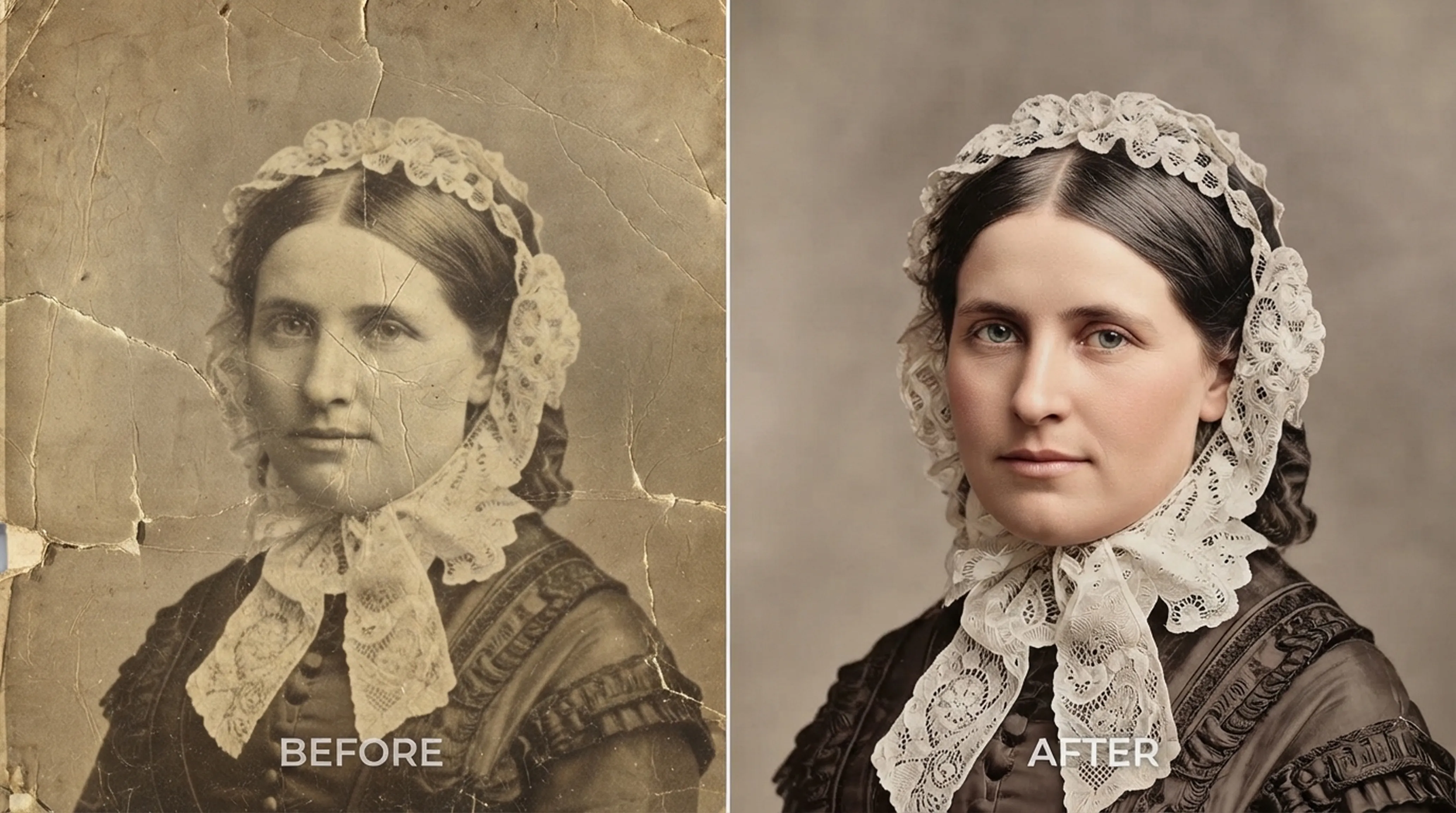
Colorization
What AI colorization can and can’t know about the past, and how to choose the right style for each era.
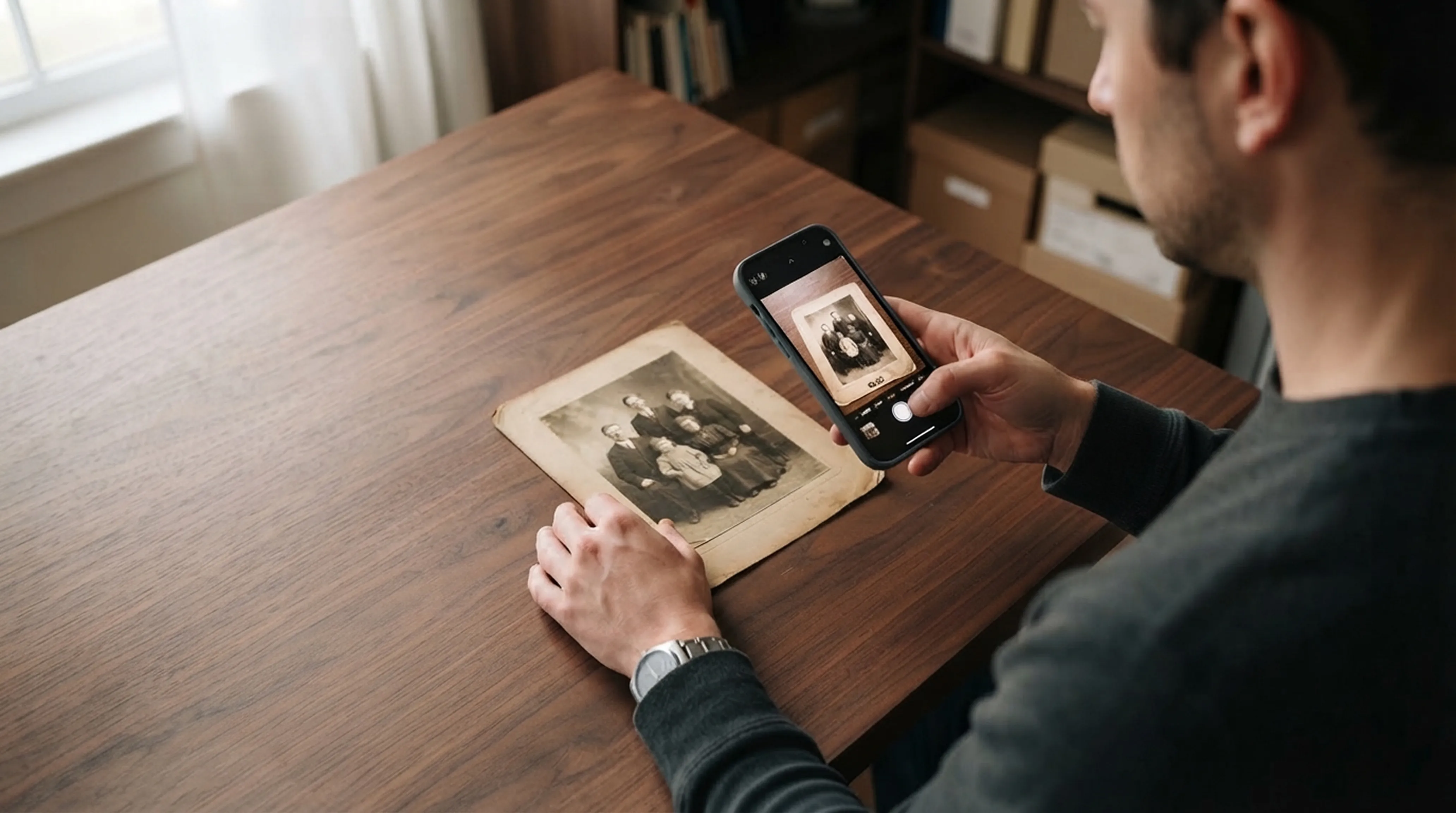
Scanning technique
Lighting tricks, angle secrets and lens cleaning practices for getting flatbed scanner quality from your smartphone.
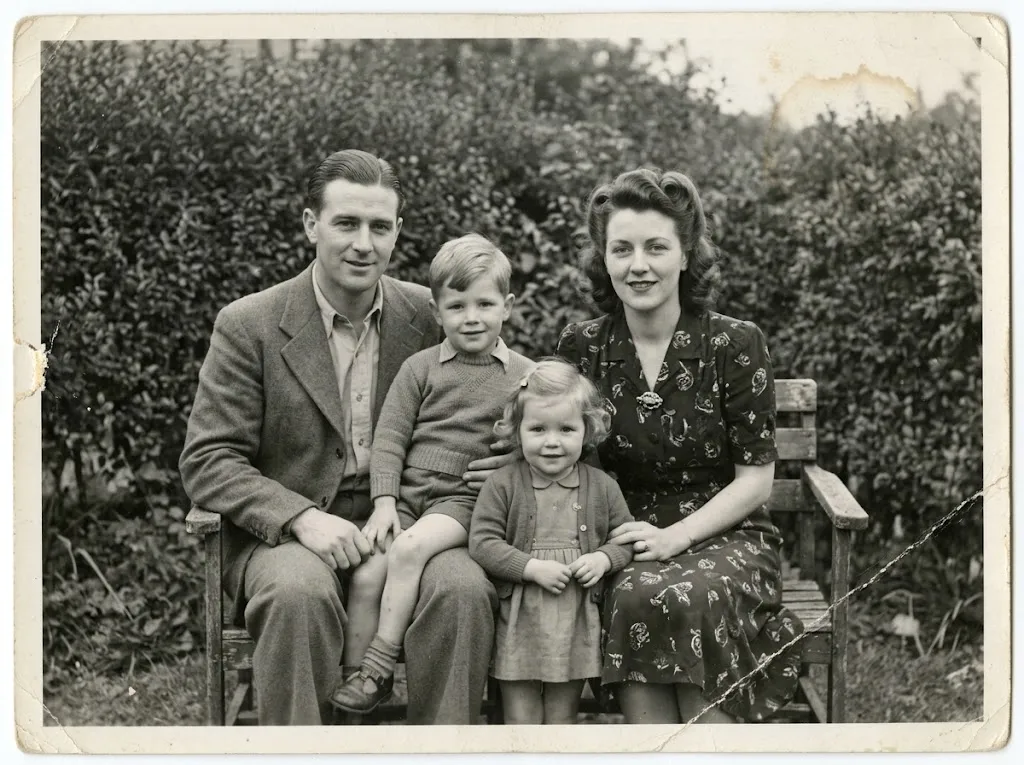 Before
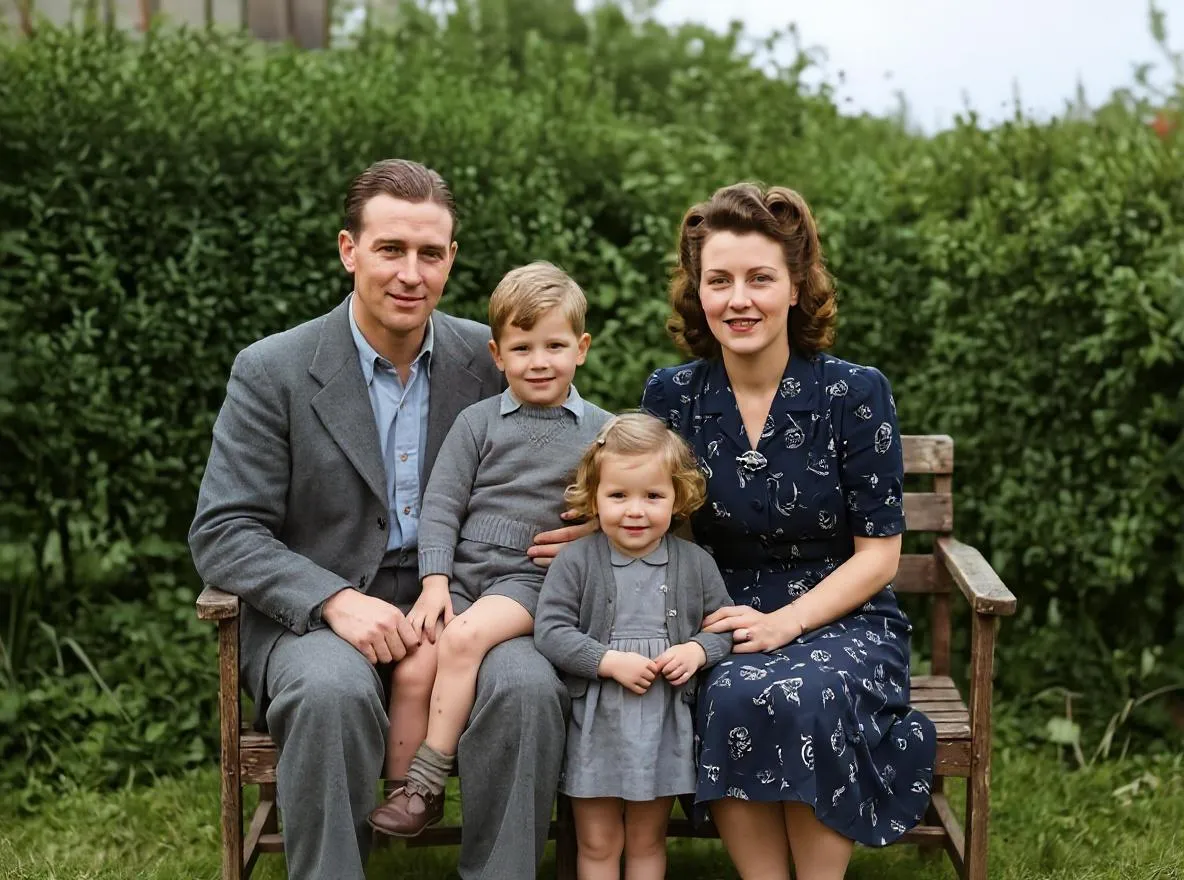 After
AfterBasics
How AI repairs scratches, tears, fading and blur in old photos, what it can and can't fix, and how it compares to manual retouching in Photoshop.
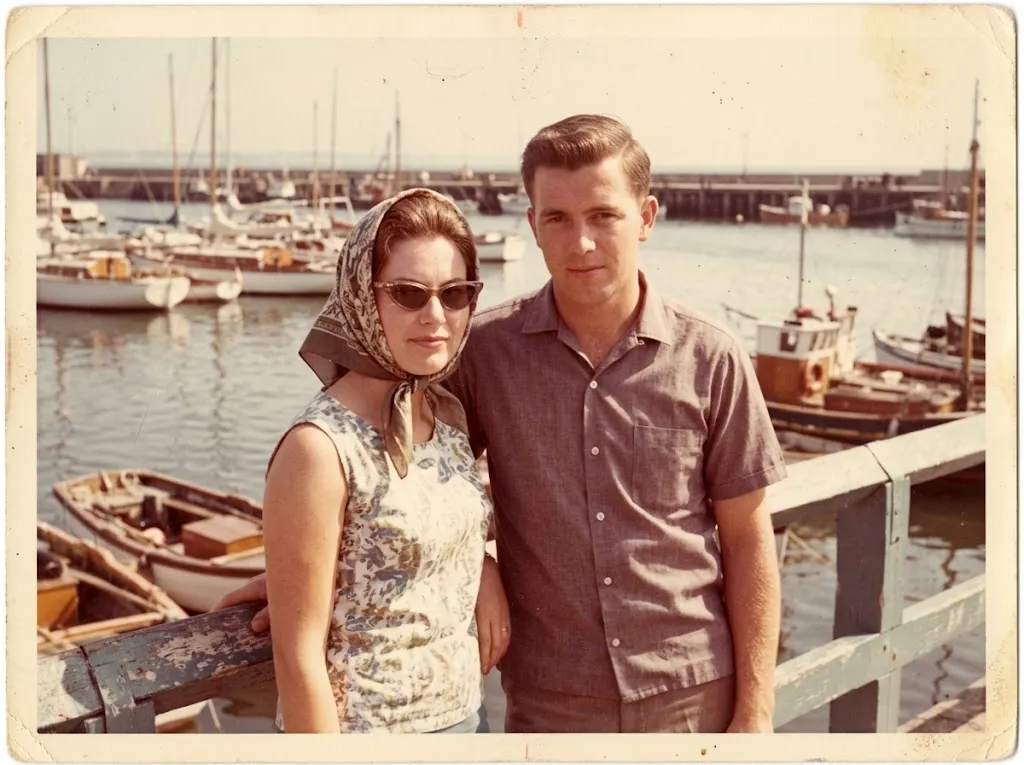 Before
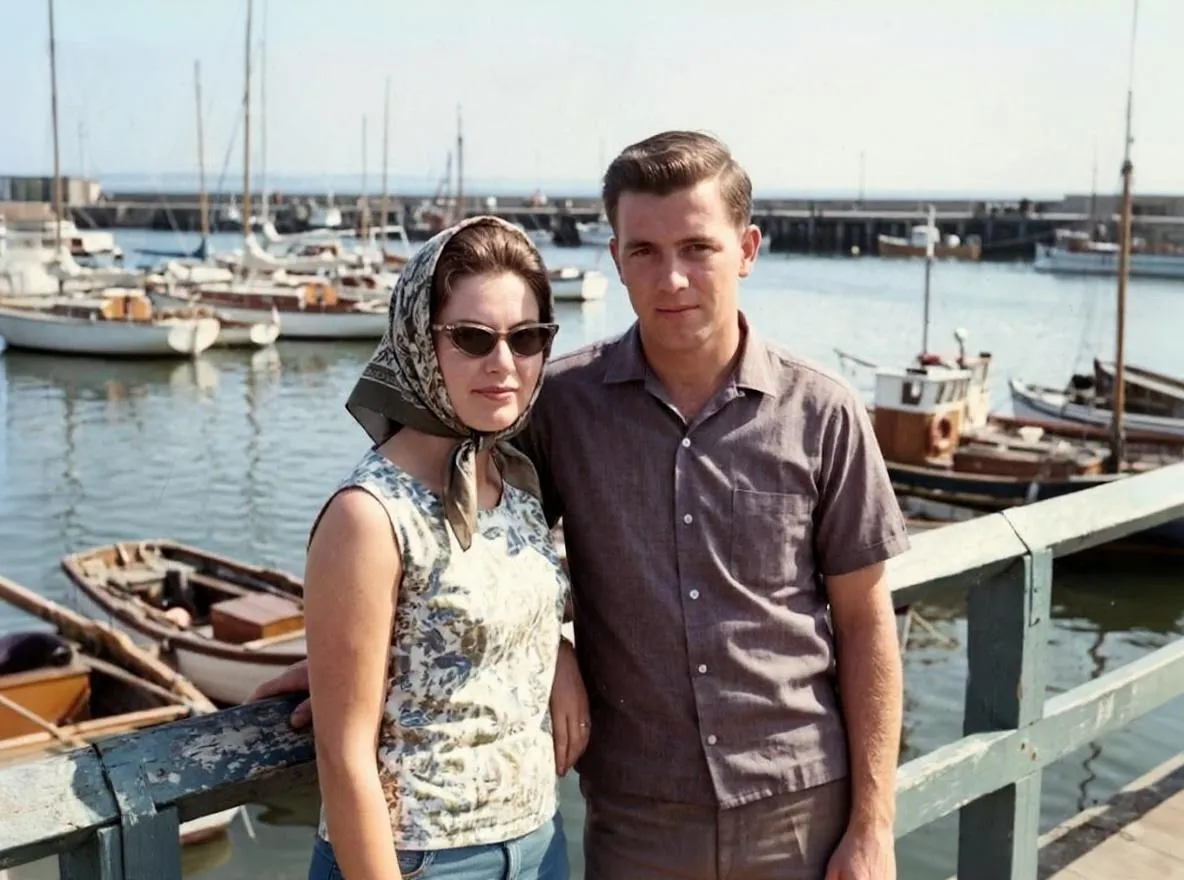 After
AfterRestoration
Restore old, scratched and faded photos on iPhone with AI. Capture a good copy of the print, repair it in Retrocap and save it to your Photos library.
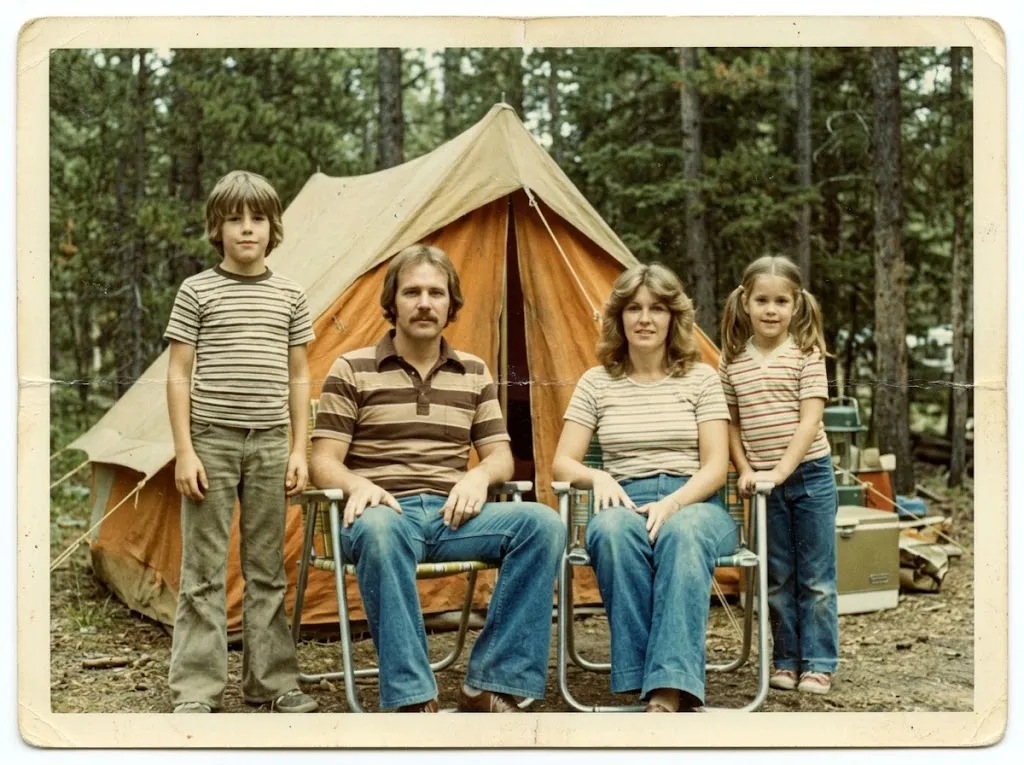 Before
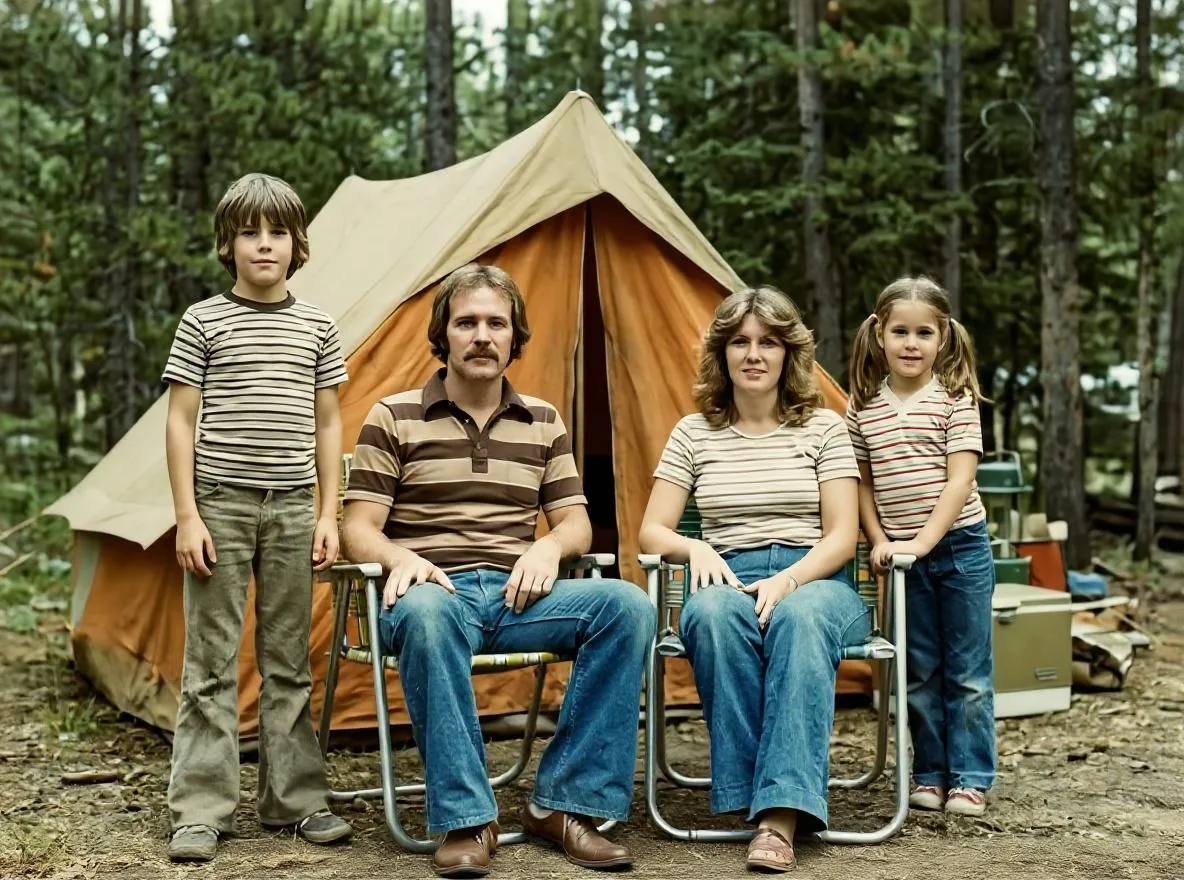 After
AfterRestoration
Restore old, scratched and faded photos on your Android phone with AI. Learn how to photograph the print, repair it in Retrocap and save it to your gallery.
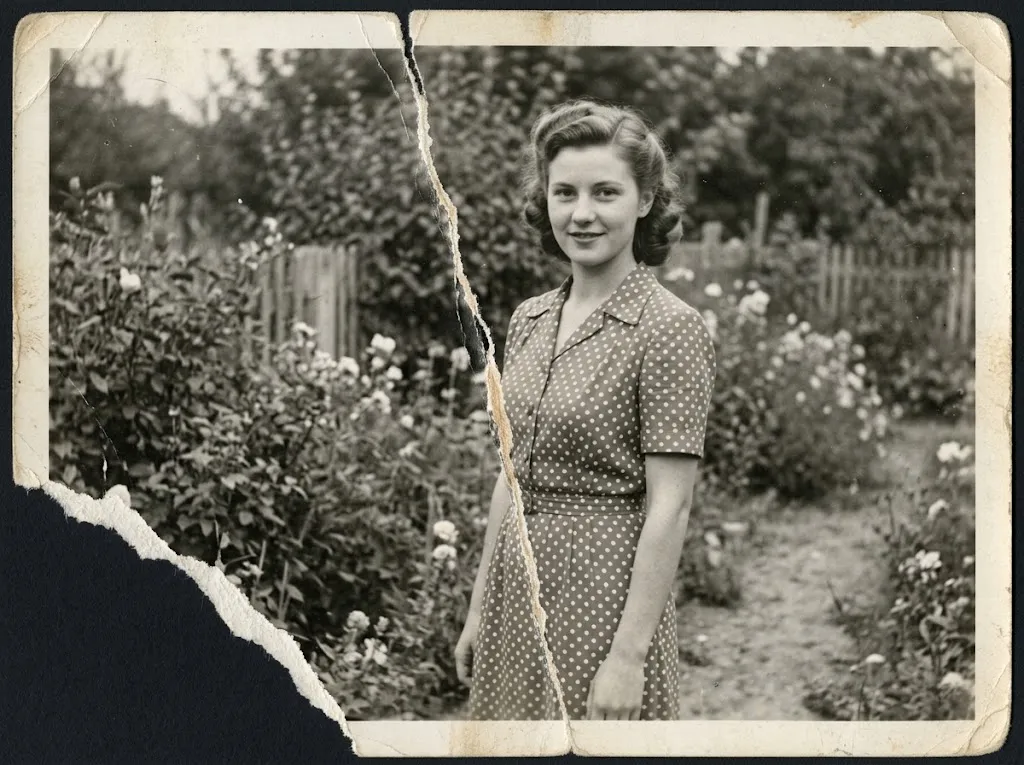 Before
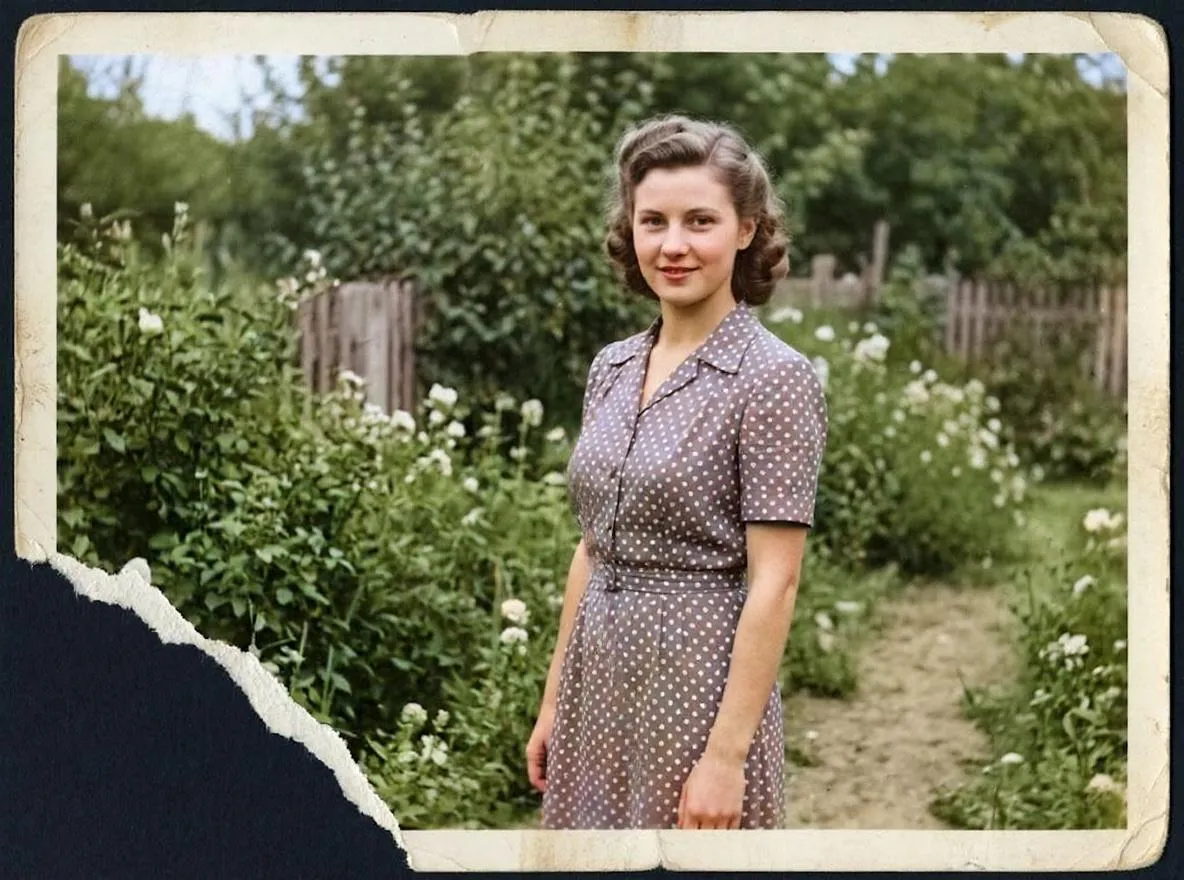 After
AfterRepair
Fix a torn photo safely: handle the pieces, photograph them as one image and repair the tear with AI, plus what to do when part of the photo is missing.
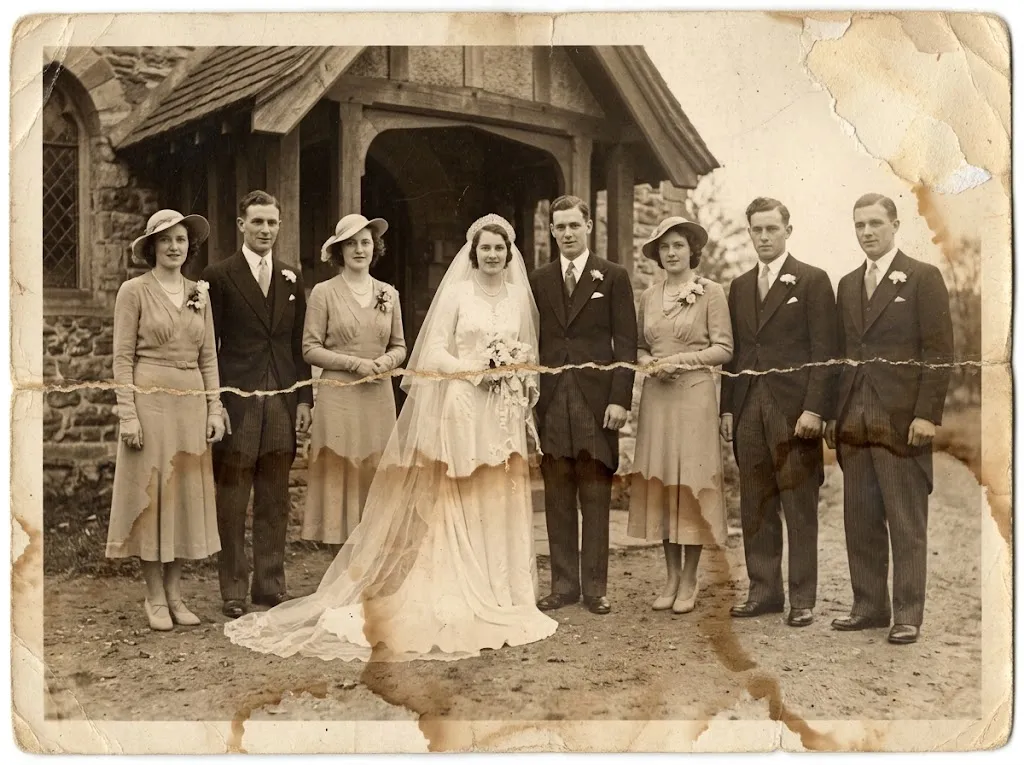 Before
 After
AfterRepair
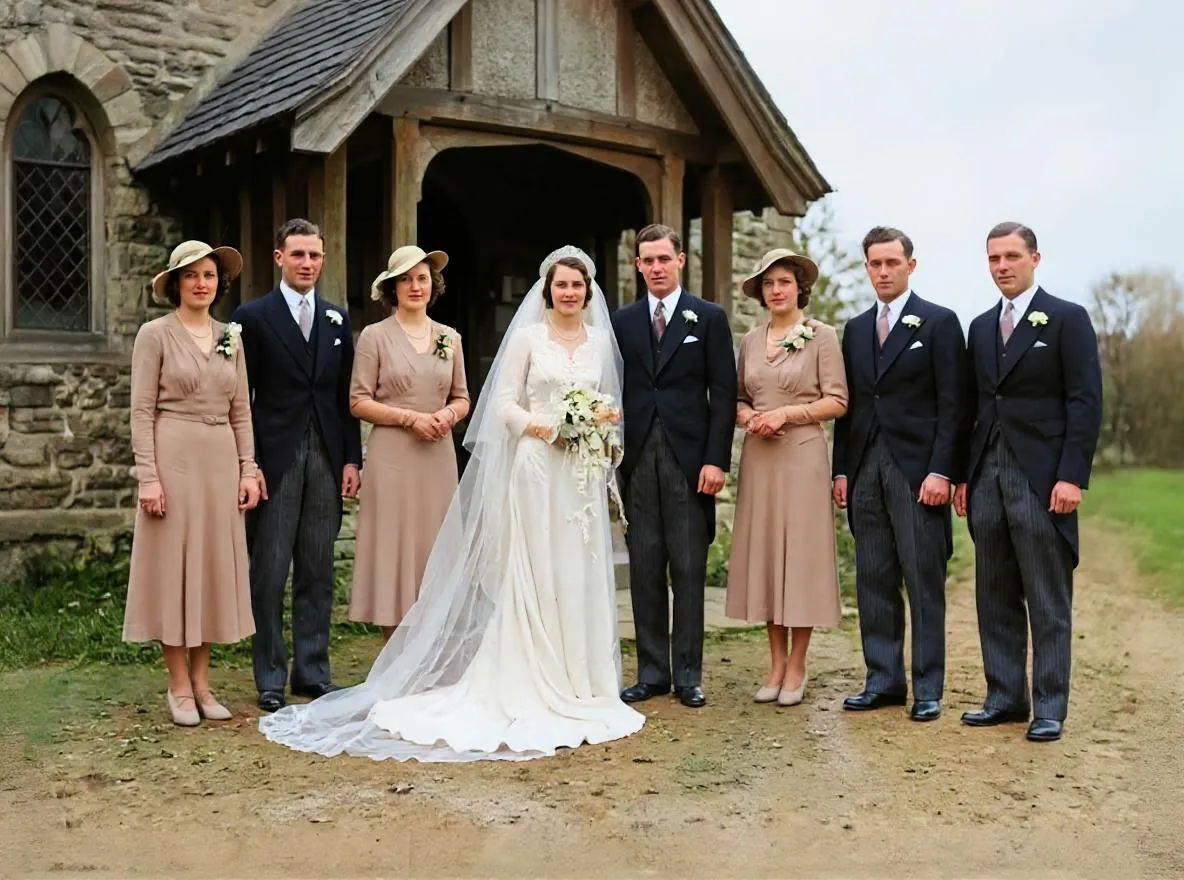
What to do with wet or water-damaged photos: dry them safely, photograph the damage and remove water stains and marks with AI restoration.
 Before
 After
AfterRestoration
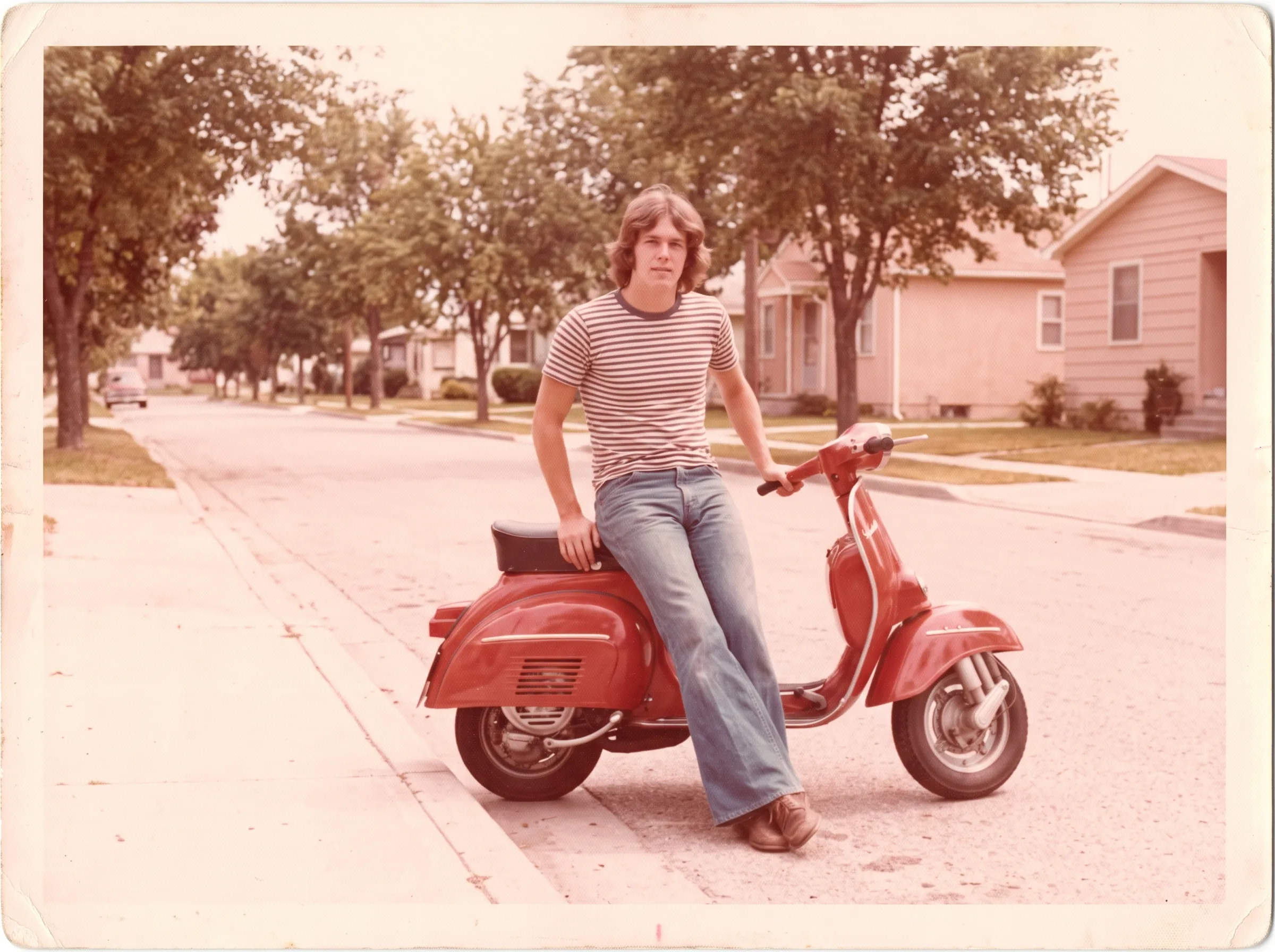
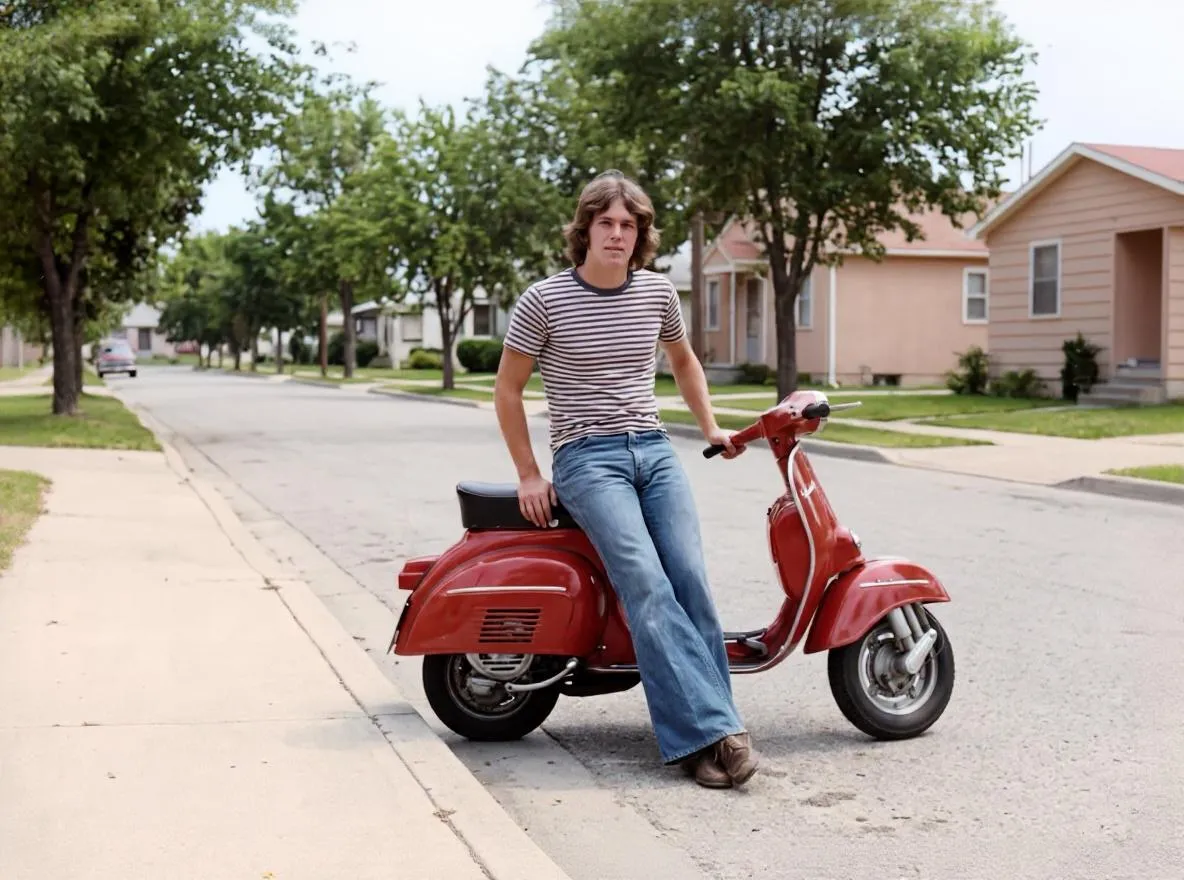
Why old photos fade and turn red, yellow or pale, and how to bring back contrast and natural color with AI restoration and color correction.
 Before
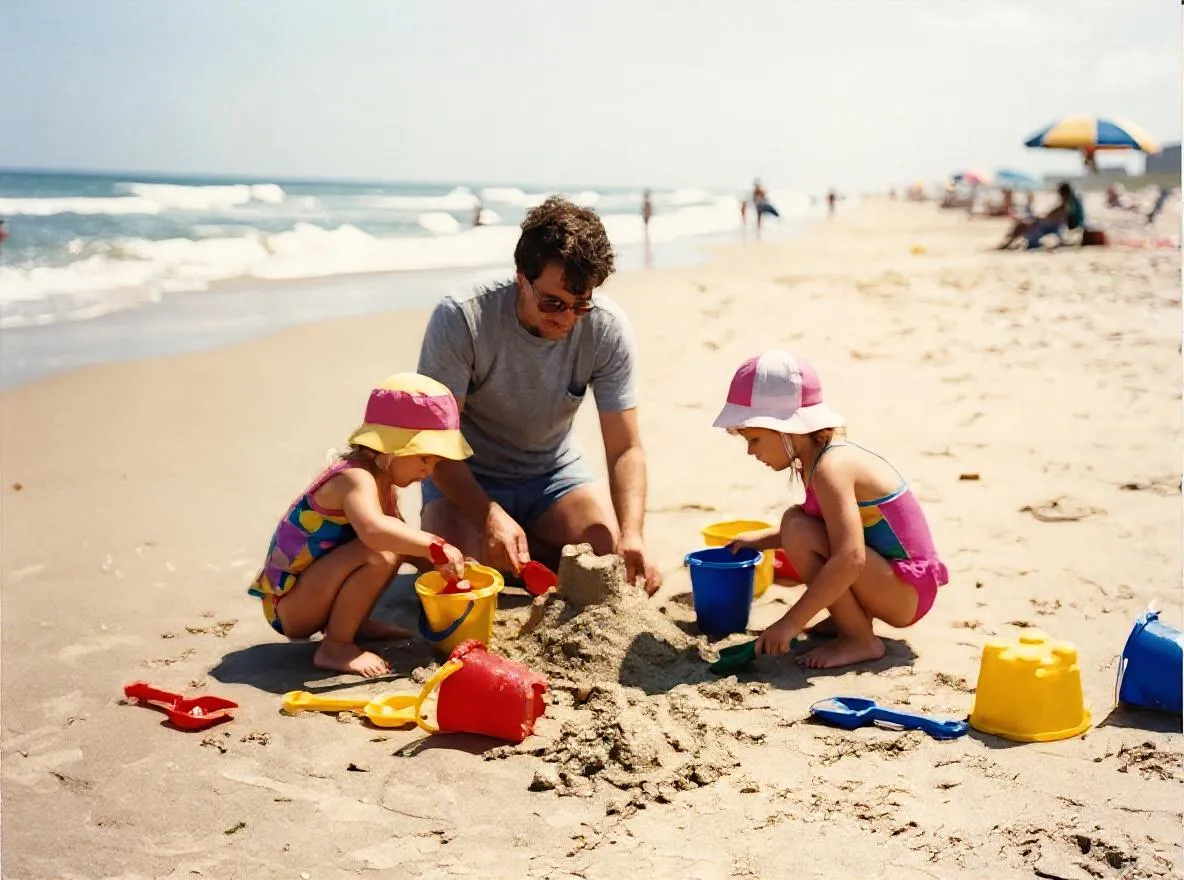 After
AfterEnhancement
Why old photos look blurry and how AI sharpening and upscaling fix them. Get the sharpest result from Retrocap's Enhance tool on iPhone or Android.
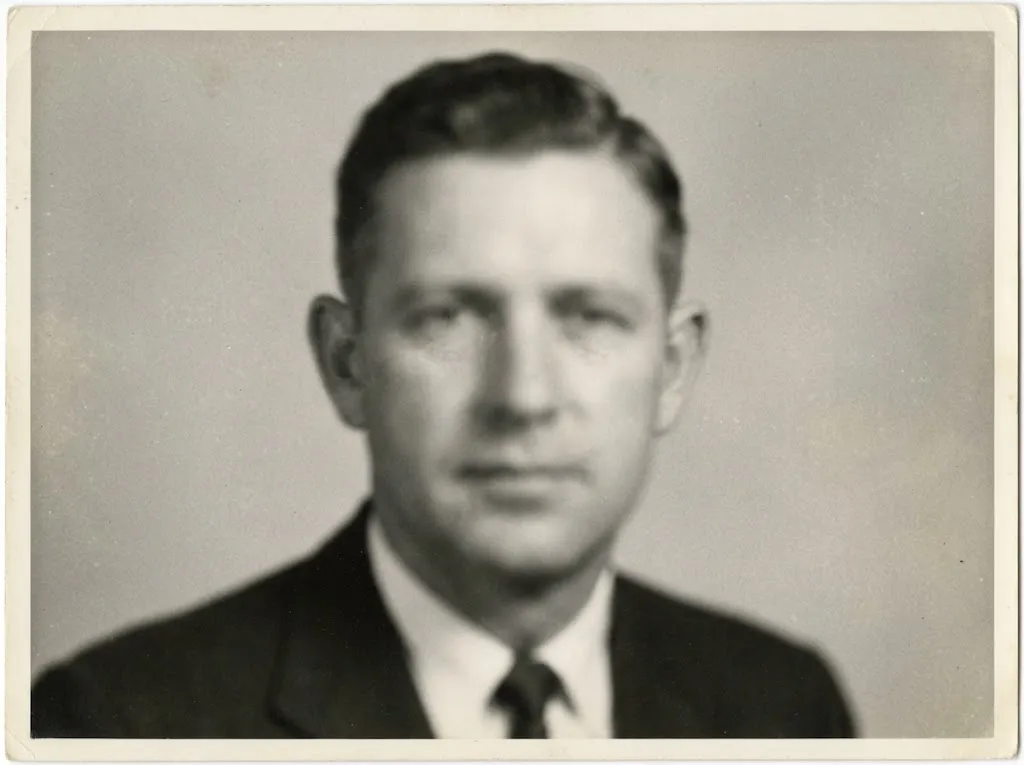 Before
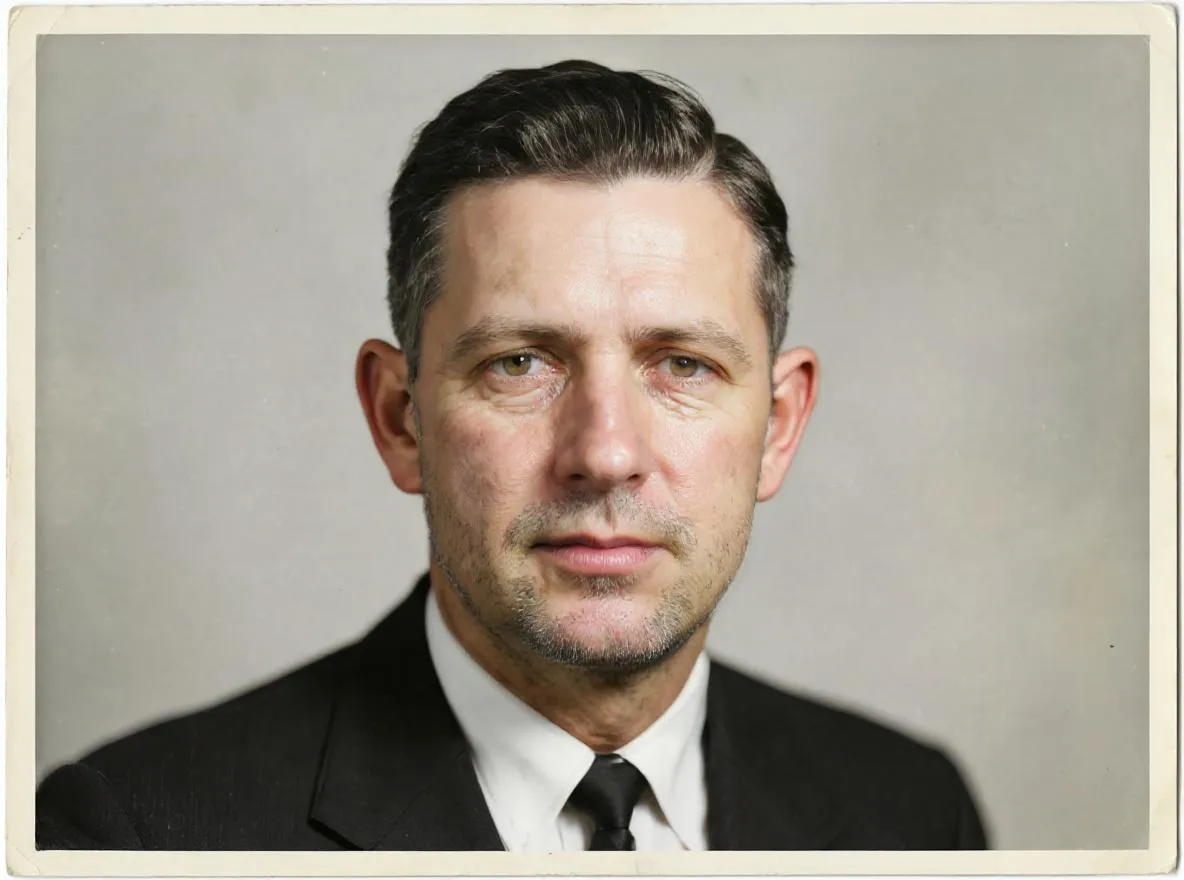 After
AfterEnhancement
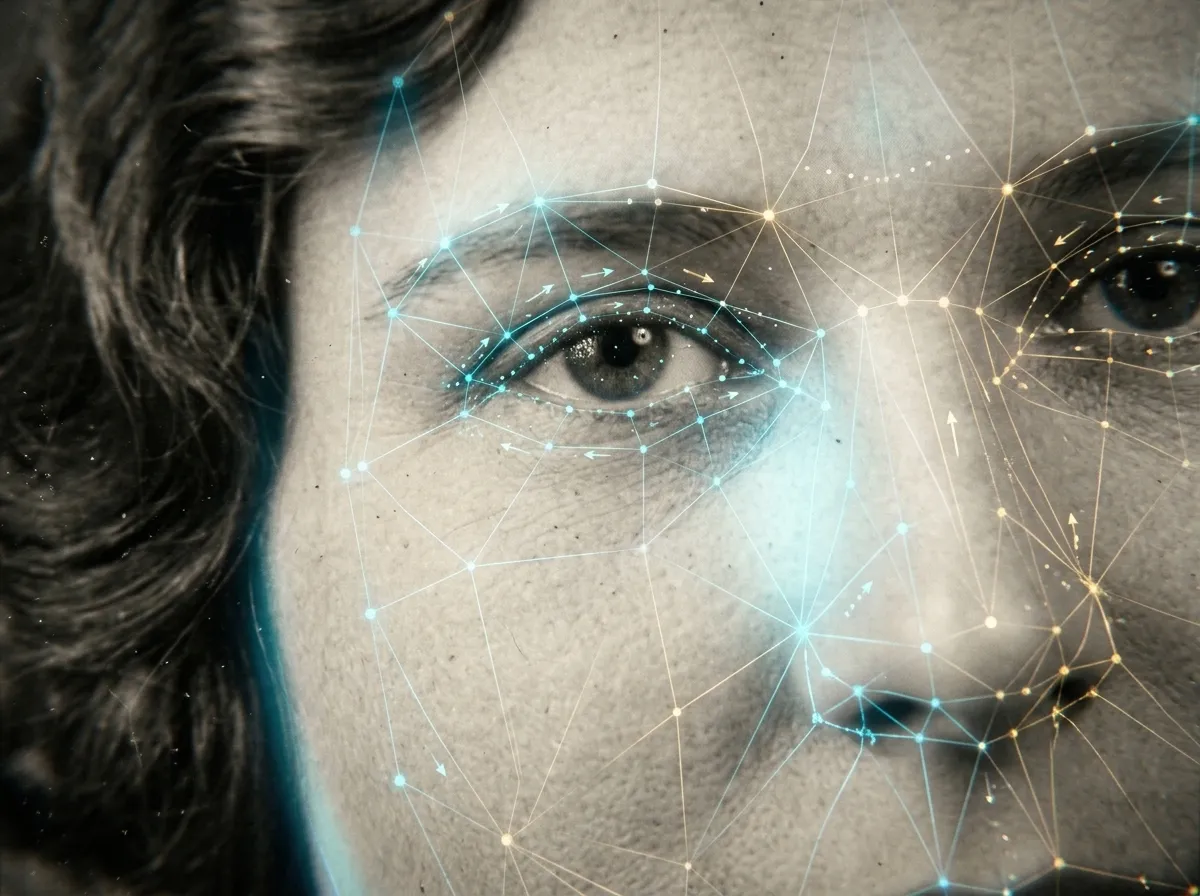
Sharpen blurry faces in old portraits and group photos with AI. How face enhancement works, how to get the best result and how to check it's still them.
Animation
Turn an old family portrait into a short video with natural movement. Which photos animate best, how to do it in Retrocap and how to share it respectfully.
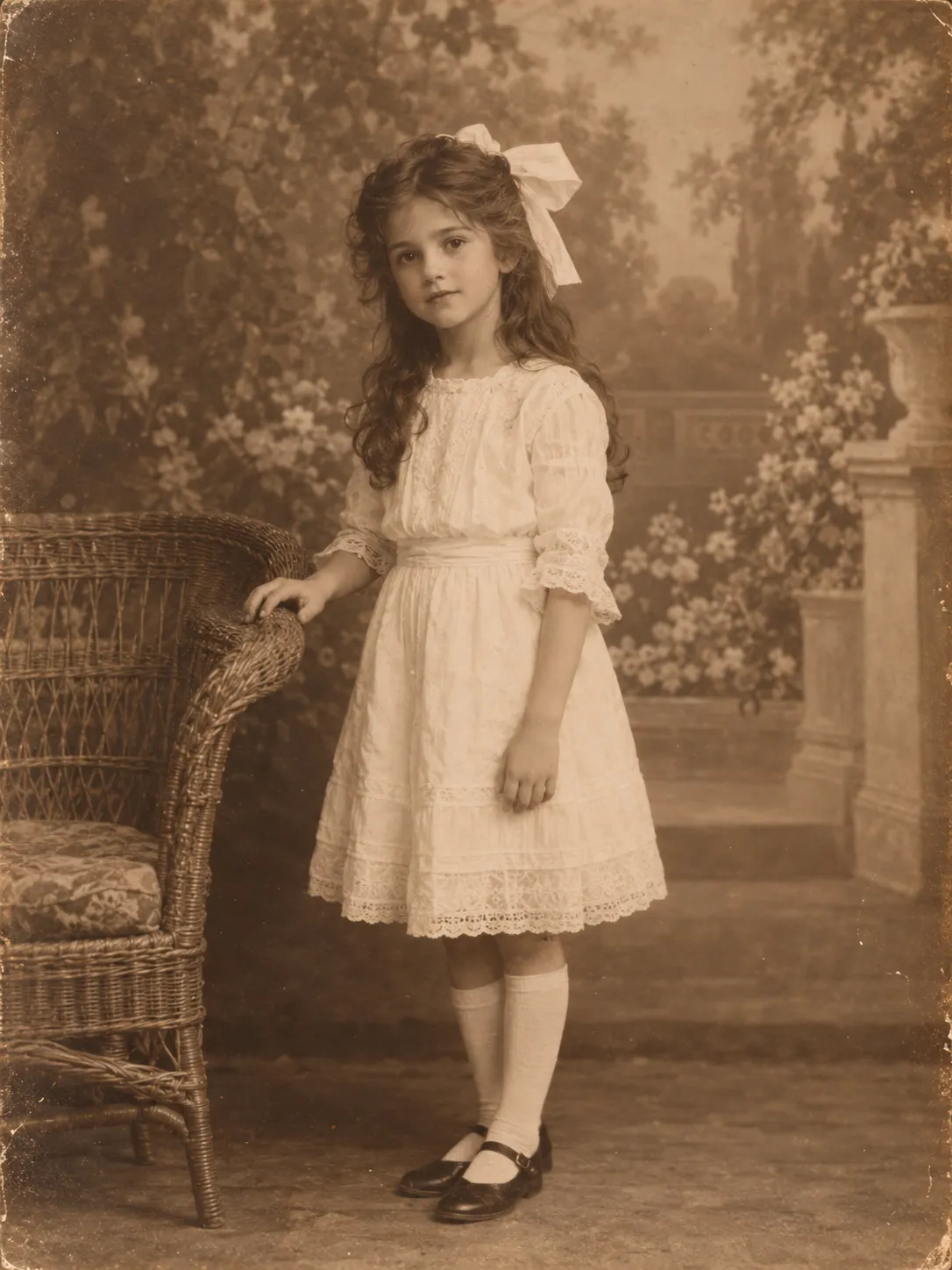 Before
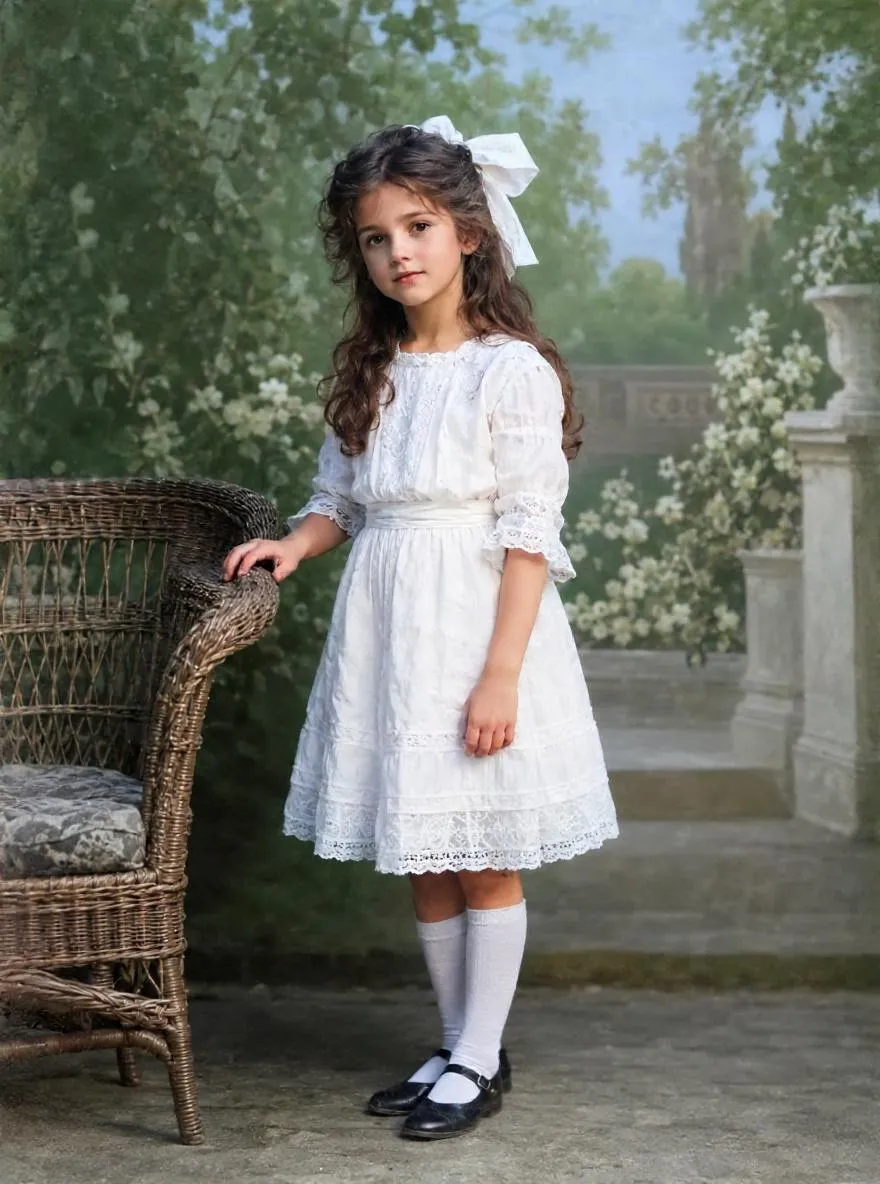 After
AfterColorization
Colorize brown, faded sepia prints with AI. Learn what makes a photo sepia, whether to keep the tone and how to use Natural, Vivid, Vintage or Cool styles.
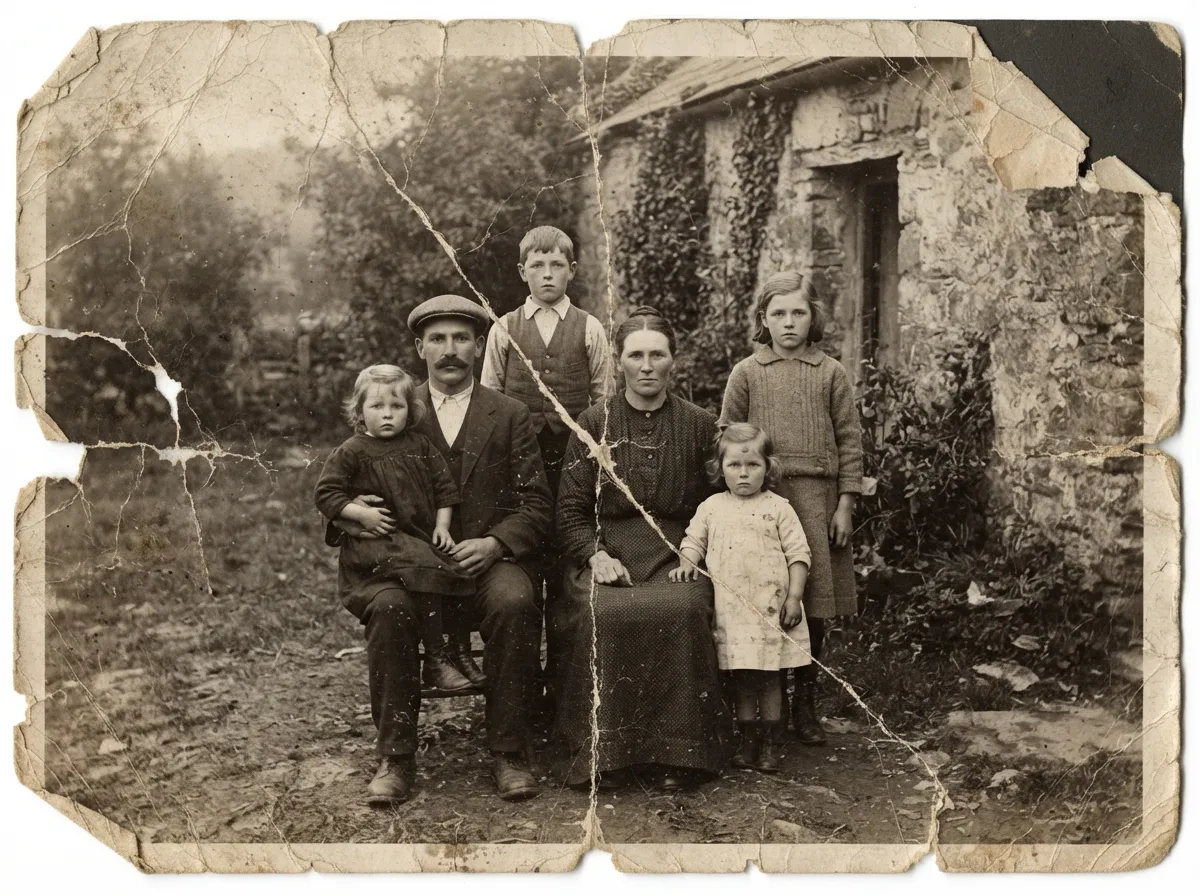 Before
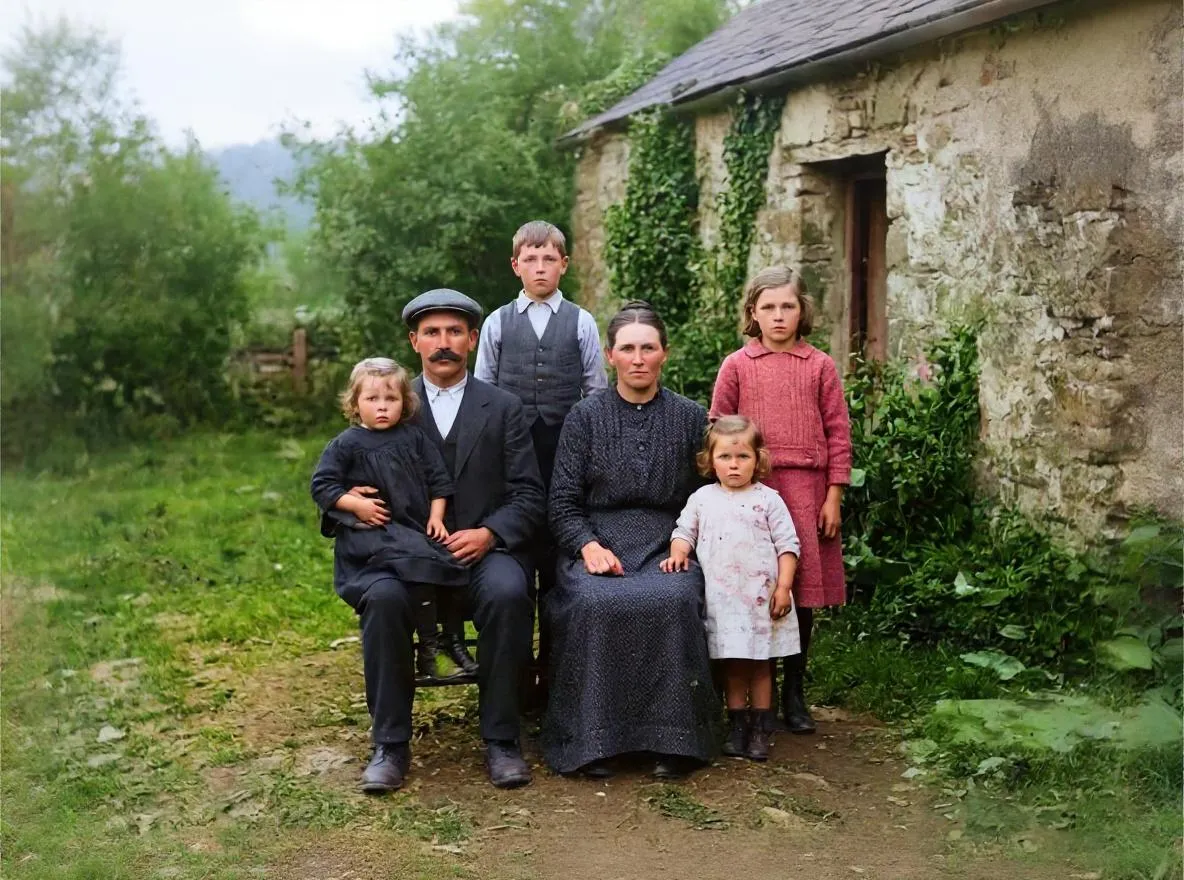 After
AfterBasics
No Photoshop skills needed. Compare AI apps, Photoshop and professional restorers by time, cost and results, and follow a simple no-Photoshop workflow.