
Restore Old Photos for Your Family Tree
Retrocap helps family historians restore old ancestor photos on iPhone and Android. Repair scratches, tears and fading, sharpen faces in group portraits and colorize black-and-white prints in seconds, then add the restored copies to your family tree alongside the originals.


Free to download · iPhone & Android · Private
How to prepare old photos for your family tree
- 01
Digitize the originals
Photograph or scan every print in soft light, including the backs if they have names, dates or studio stamps written on them.
- 02
Restore and sharpen
Use Restore with Fix Scratches & Tears and Enhance Faces. For group portraits, photograph the print close up so every face has as much detail as possible.
- 03
Save both versions
Keep the original scan as the record and add the restored copy to your family tree, clearly named so relatives know which is which.
Before and after
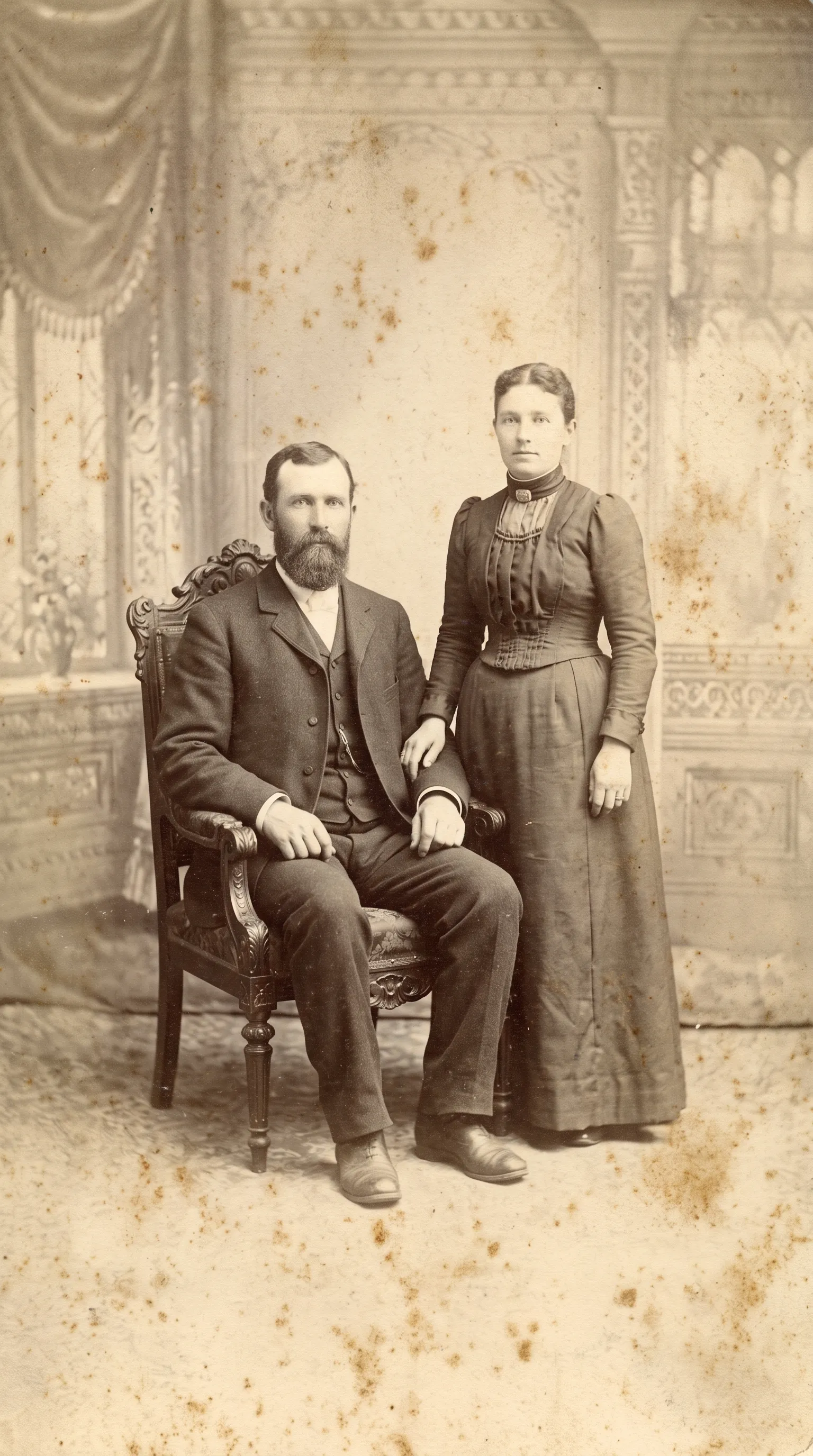
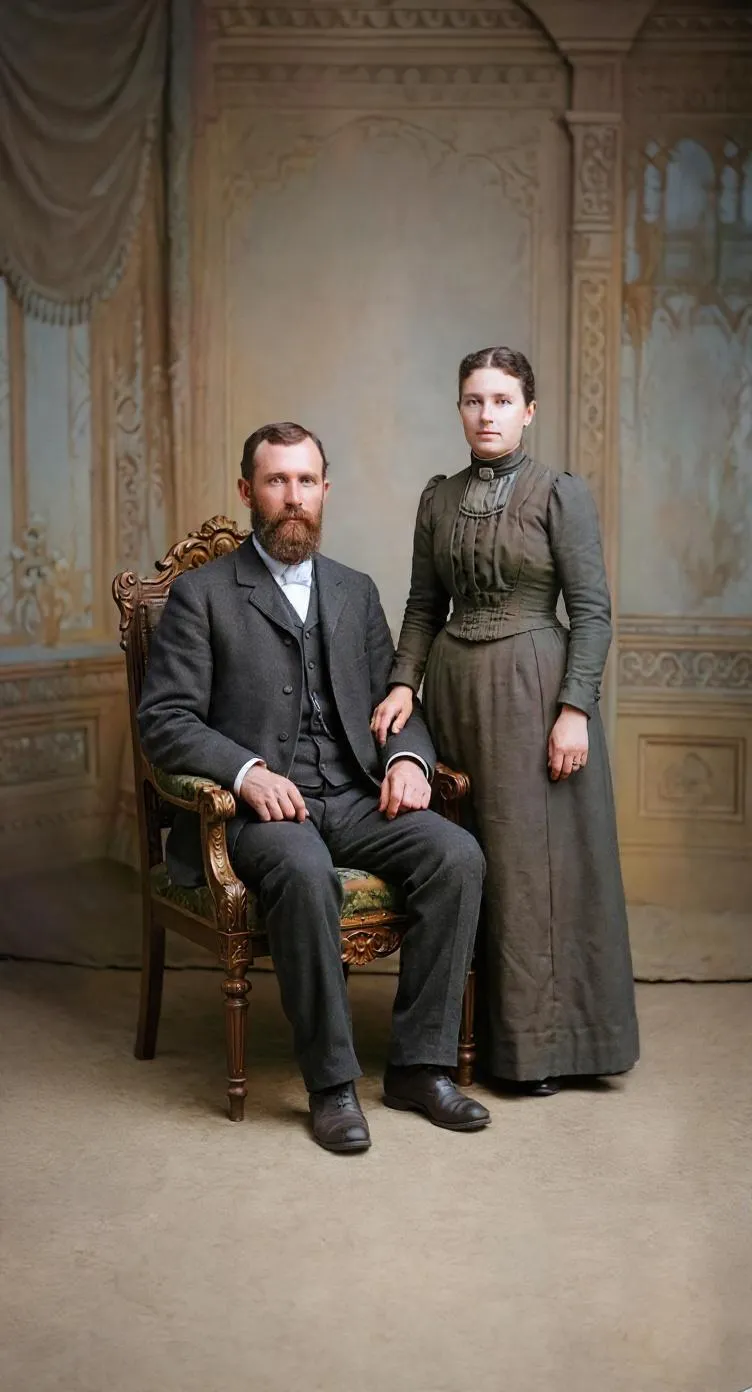
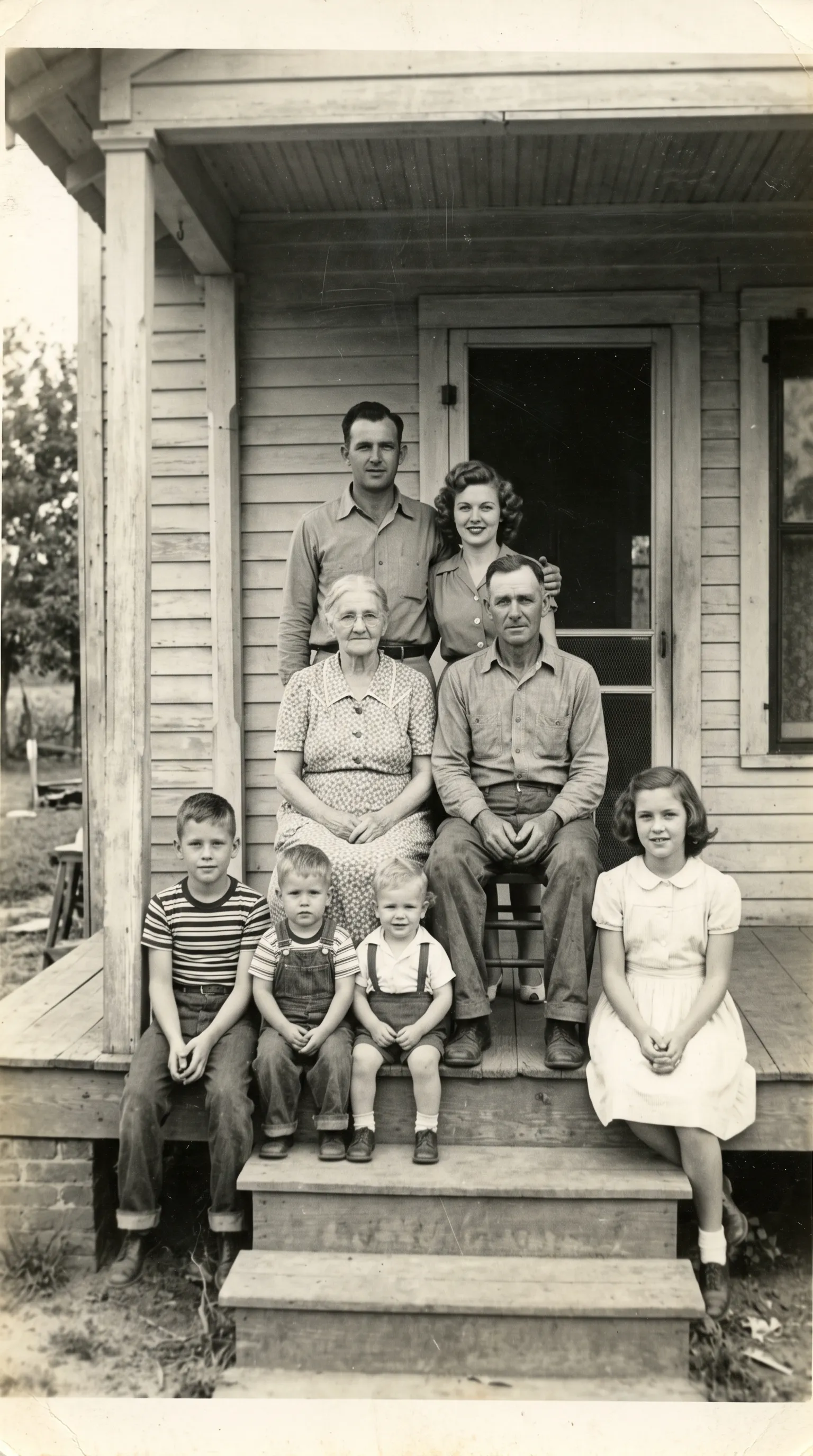
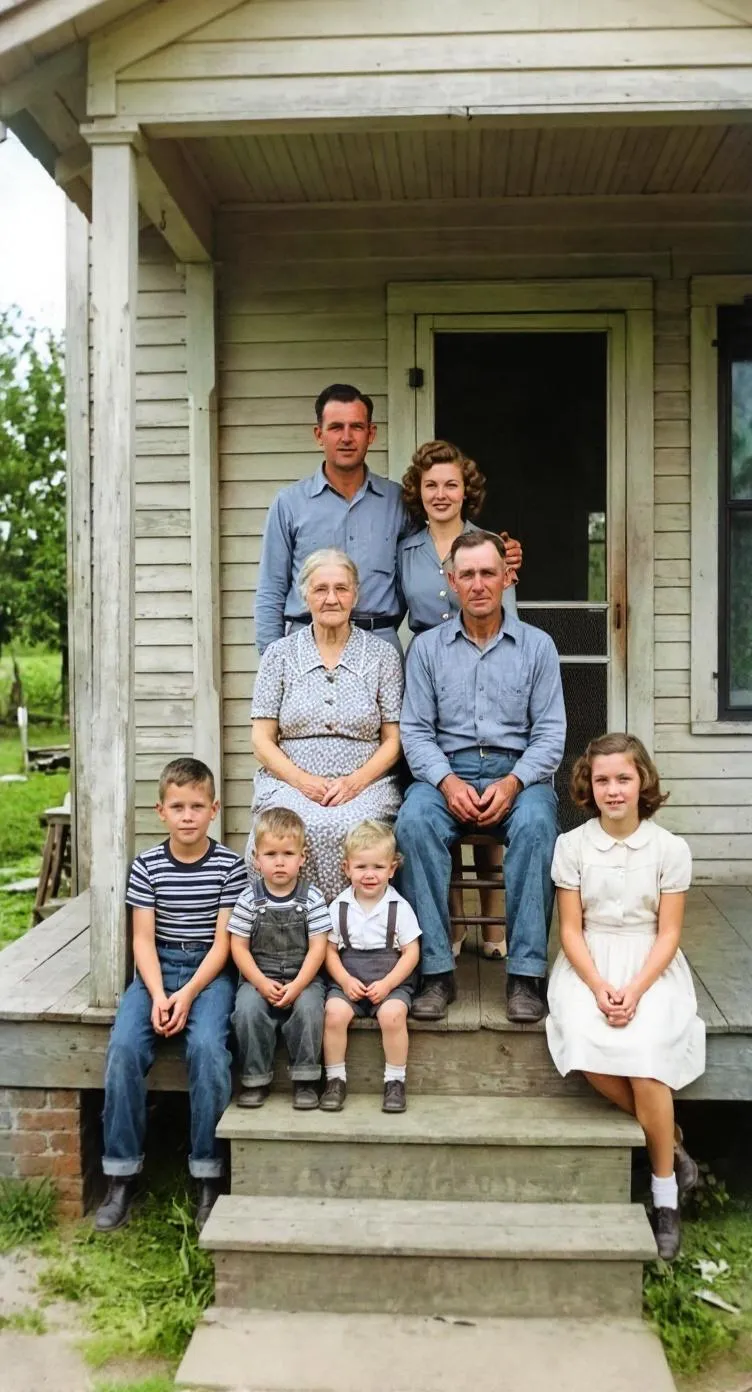
Why restore photos for a family tree?
Family trees are made of names and dates, but photos are what make ancestors feel real. Unfortunately, the oldest photos are usually the most damaged: torn studio portraits, faded snapshots and group photos where faces are only a few millimeters wide. Restoring them makes faces recognizable again, which helps relatives identify who is who and brings the tree to life for younger generations.
Restoration vs the historical record
Genealogy depends on evidence, and a restored photo is not quite the same as the original. AI restoration repairs damage by reading the surrounding image, and when detail is missing, it estimates. That is why the best practice is simple: keep both versions. Cite the original as your source, use the restored copy for viewing and sharing, and label colorized versions clearly as interpretations.
Getting the most from group and studio portraits
Old group portraits, such as weddings, reunions and school photos, are often the only images of some ancestors. To give the AI as much to work with as possible, photograph the print close up, or in sections, so each face is as large as possible. Then use Restore with Enhance Faces turned on. For a deeper look at this, see our guide to unblurring a face in an old photo.
Tools you'll use
Restore Old Photos
Repair fading, scratches, tears and stains in one tap.
Enhance Faces
Recover detail in blurry faces, even in group photos.
Colorize Black and White Photos
Add realistic color to black-and-white and sepia photos.
Enhance Photo Quality
Sharpen blurry, low-resolution photos and upscale them.
Tips for family historians
- Photograph the back of every print. Handwritten names, dates and studio stamps are often the best clues for dating a photo.
- Name files consistently, for example surname_firstname_year_restored.jpg, so originals and restored copies stay paired.
- When you upload a restored or colorized photo to a family tree site, mention in the description that it has been AI-restored or colorized.
- Colorized photos are interpretations. Keep the black-and-white version as the version you cite as a source.
- Share restored photos with relatives. They often recognize people and places that unlock new branches of the tree.
Frequently asked questions
Can I upload restored photos to family tree websites?
Yes. Restored photos can be uploaded to family tree and genealogy sites like any other image. It is good practice to note in the description that the photo has been restored or colorized with AI.
Should I replace the original photo with the restored one?
No. Keep the original scan as the historical record and add the restored version alongside it. Restoration can estimate missing detail, so the original remains the reference.
Can Retrocap sharpen faces in old group portraits?
Yes. With Enhance Faces turned on in Restore, Retrocap detects the faces in a photo and enhances each one, including smaller faces at the back of a group.
Are colorized ancestor photos historically accurate?
No. Black-and-white photos never recorded color, so AI predicts plausible colors. Treat colorized versions as interpretations and keep the original for research.
What should I do with photos I can't identify?
Restore them and share them with older relatives or family history groups. Clearer faces and backgrounds make it much easier for others to recognize people and places.
Your family’s story deserves to be seen again.
Don’t let precious memories fade inside shoe boxes and dusty albums. Restore, colorize and cherish them today.