
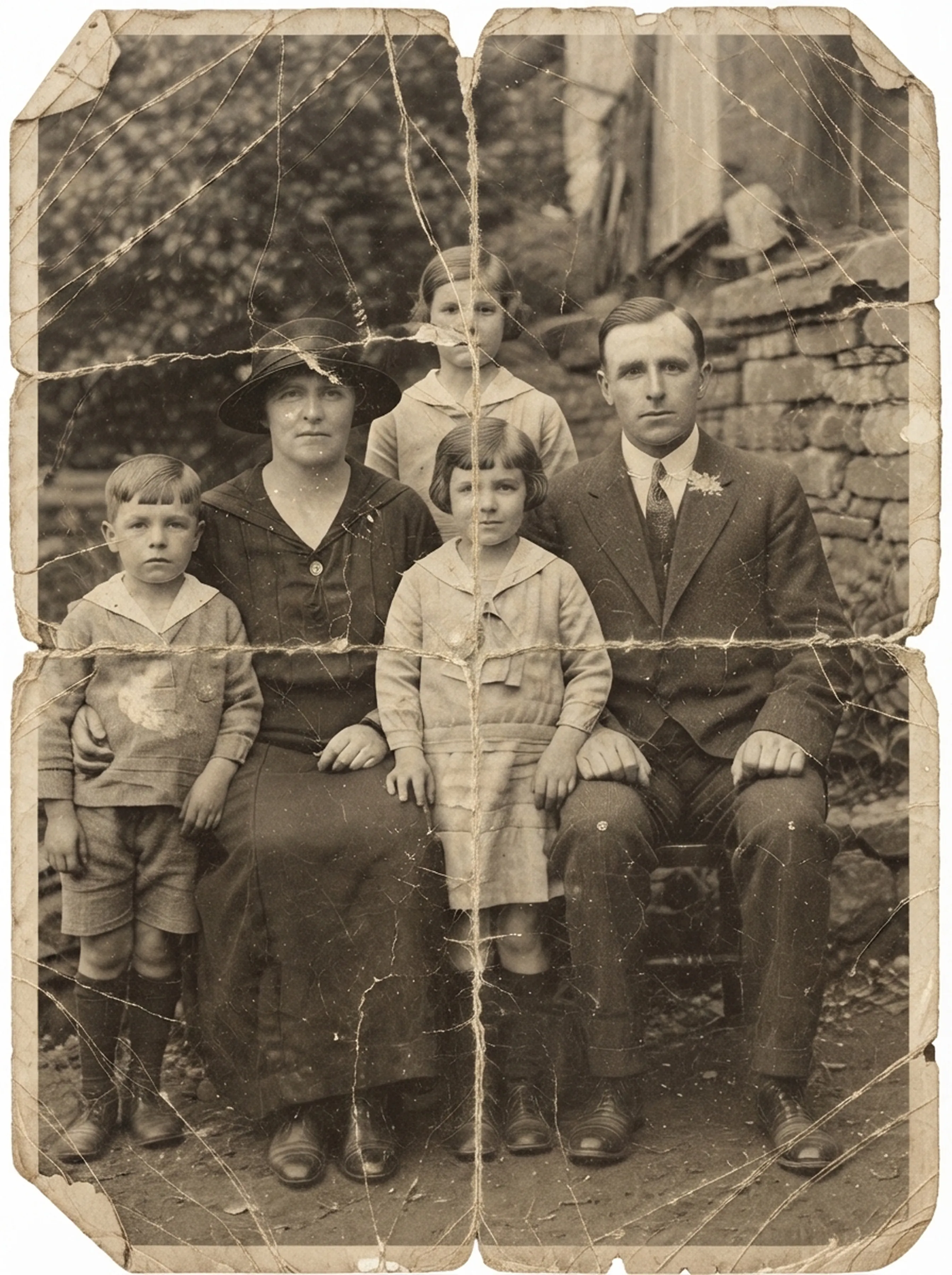
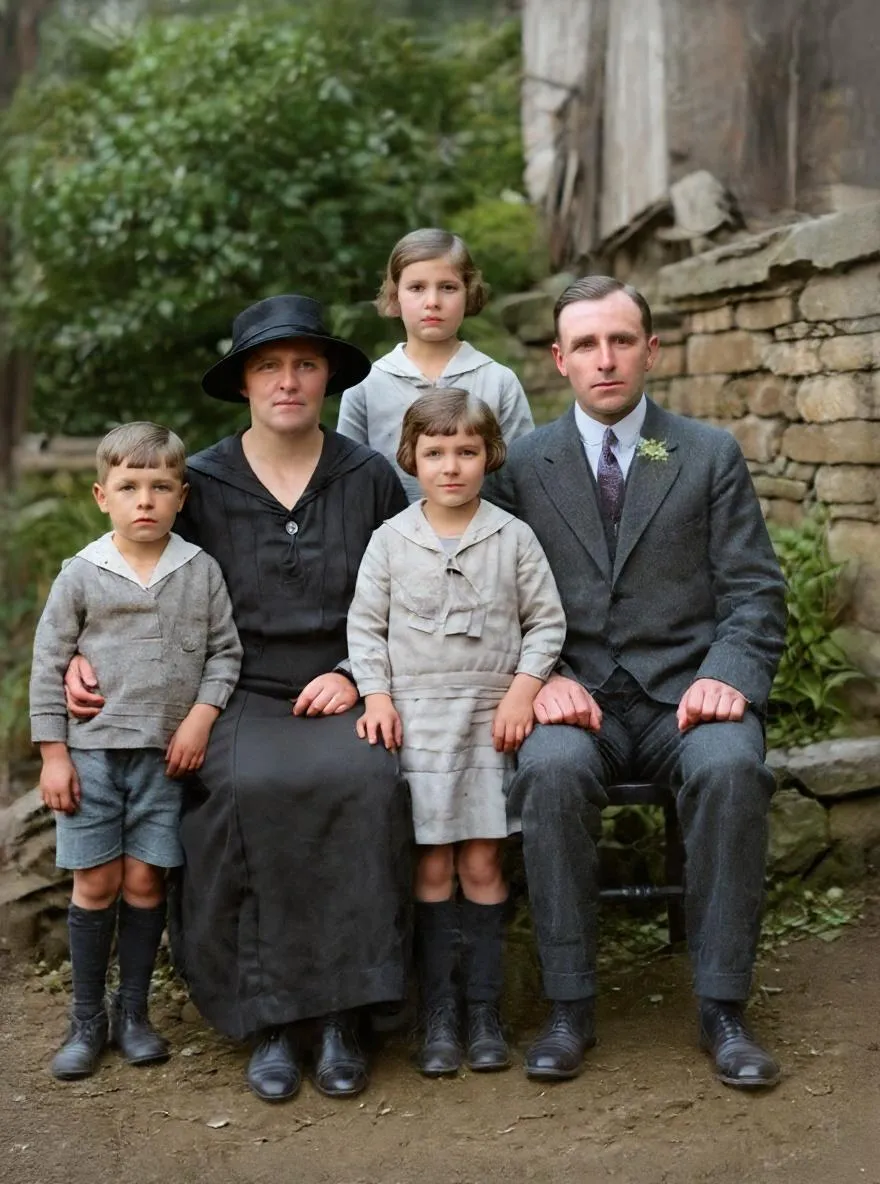
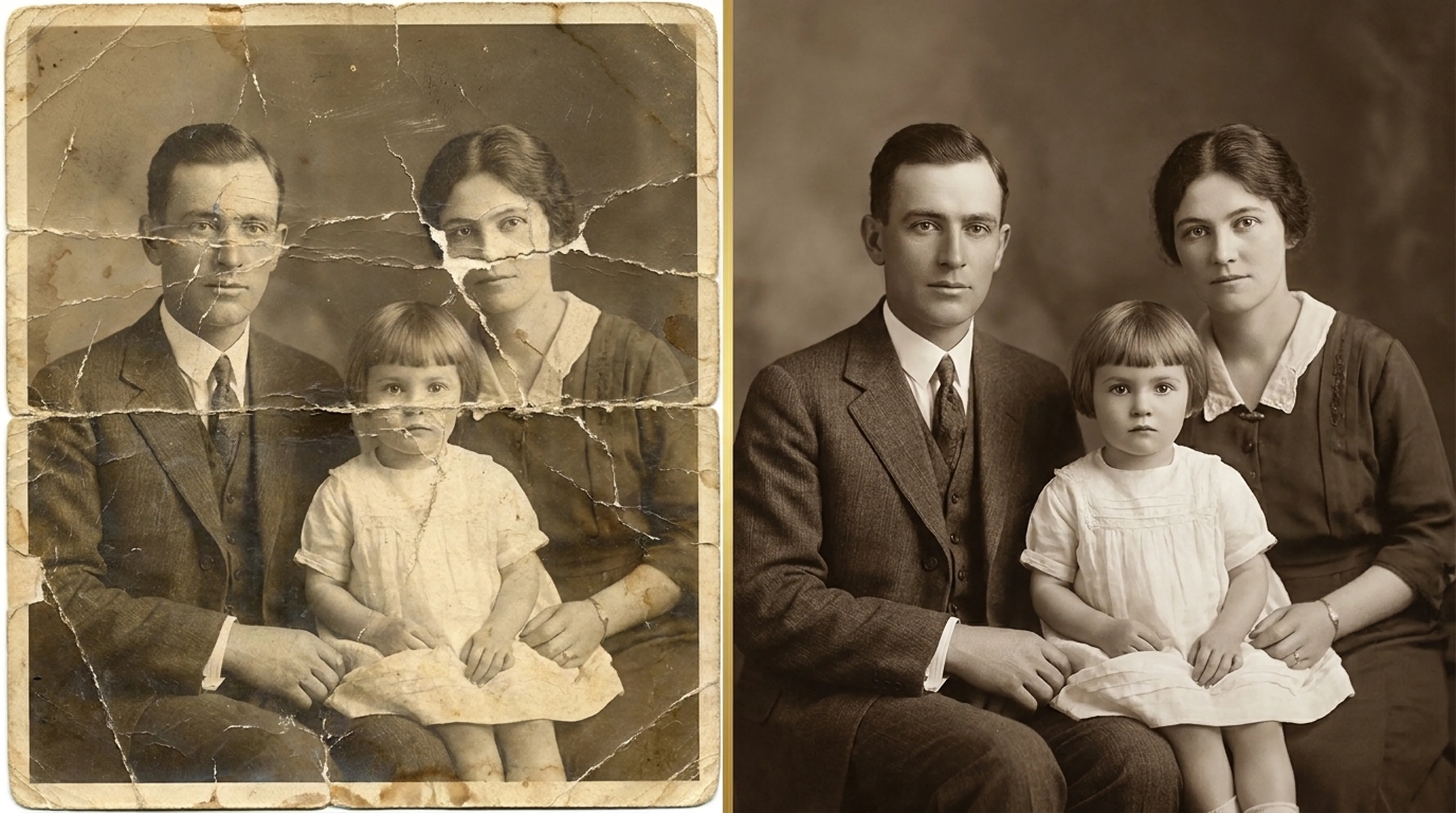
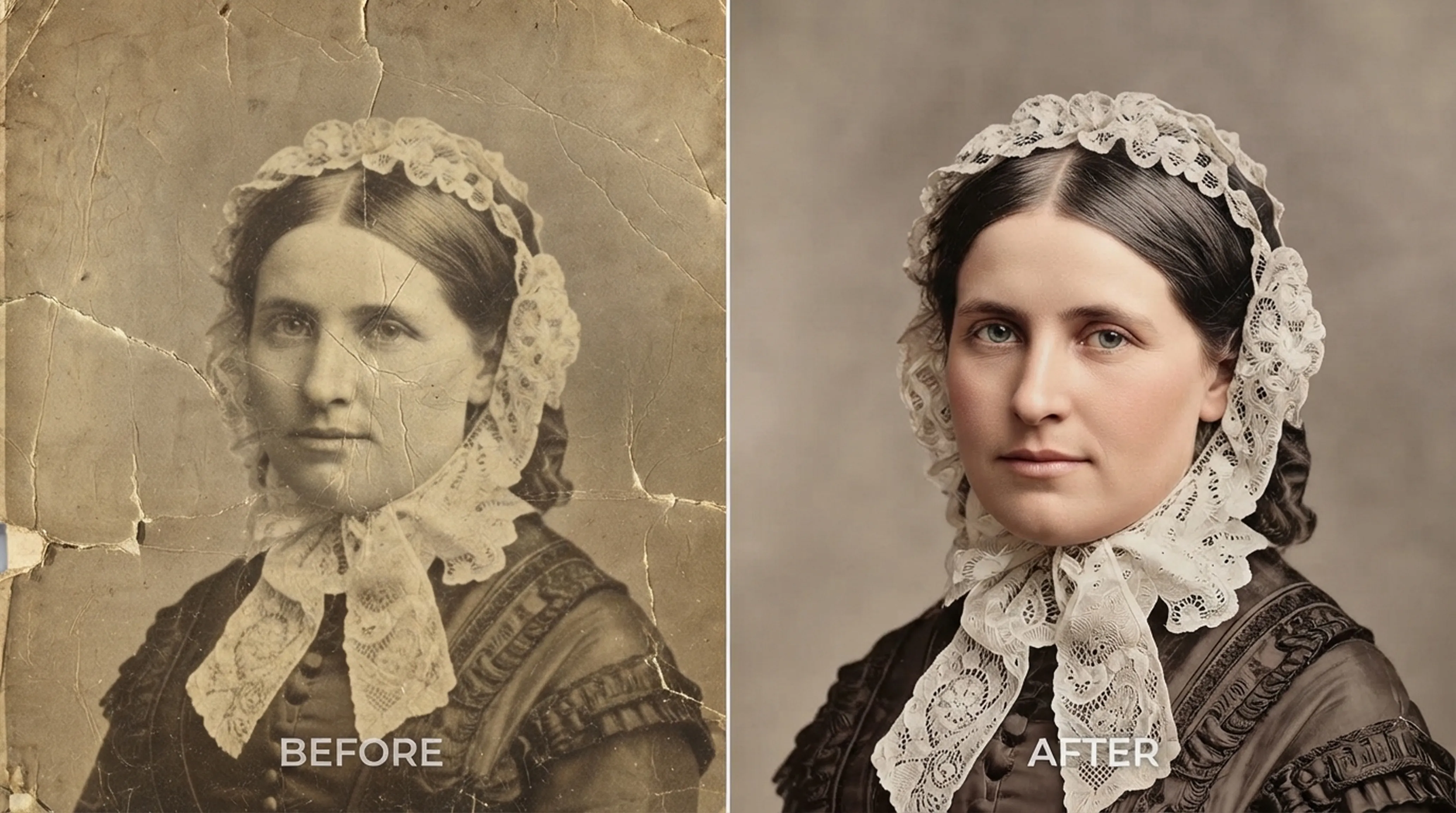
Torn photo → Restored
Deep fold lines, torn corners and paper scratches filled in seamlessly while preserving the look of the original photo.
Repair scratches and tears, colorize black-and-white photos, enhance blurry faces and animate old portraits. Right on your iPhone or Android phone.


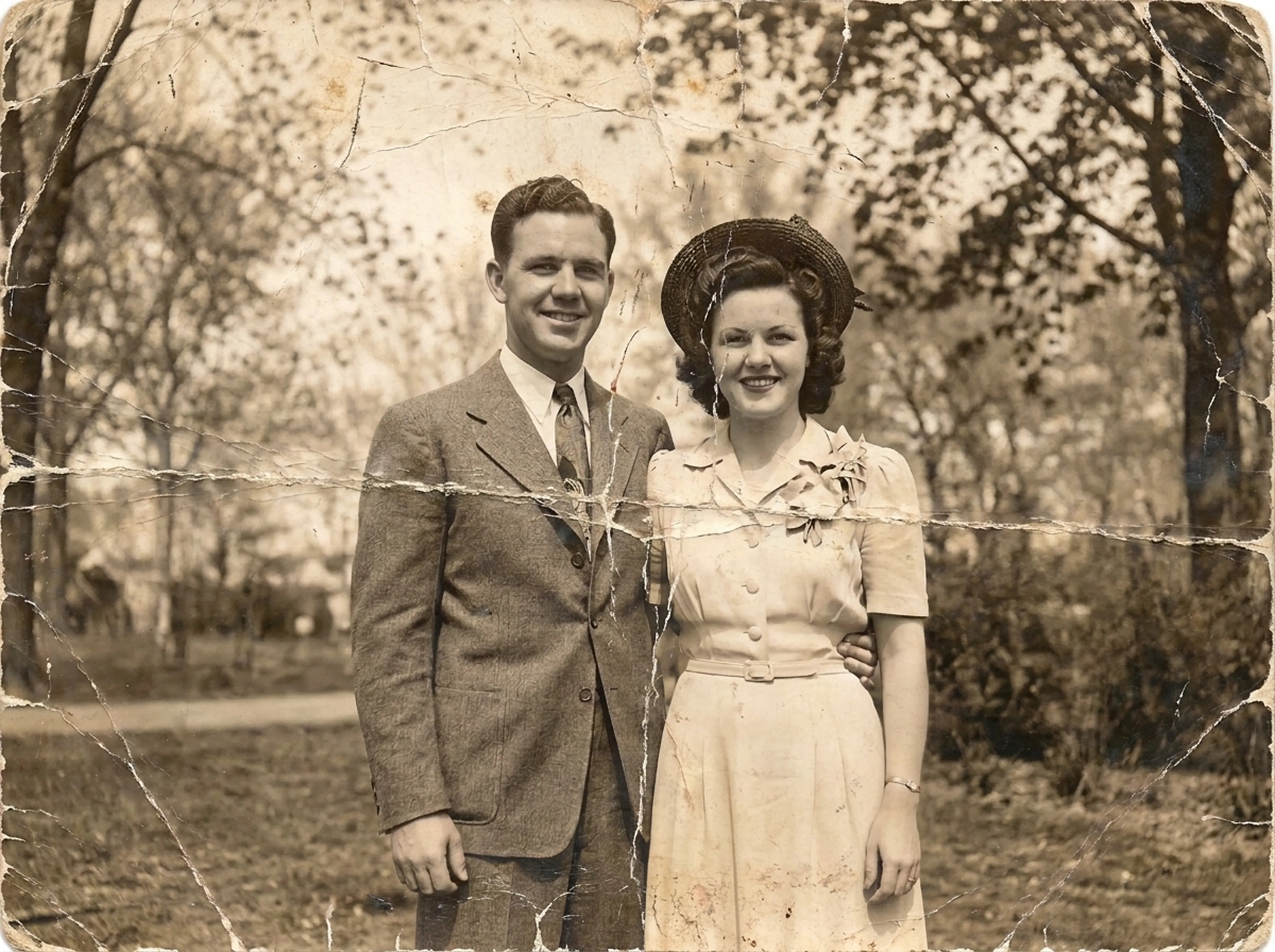
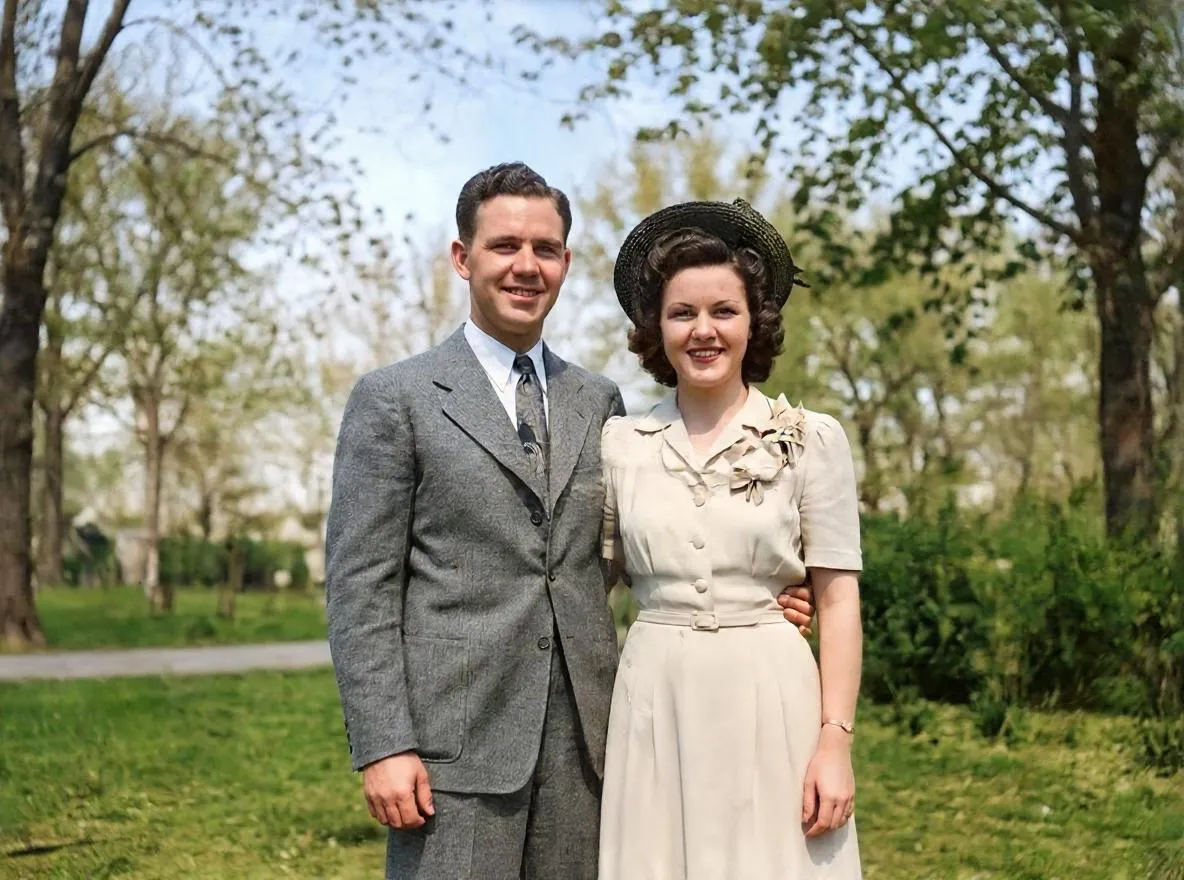
Retrocap is an AI photo restoration app for iPhone and Android that repairs, colorizes, sharpens and animates old photos in seconds. It fixes scratches, tears and fading, adds lifelike color to black-and-white pictures, clarifies blurred faces and brings old portraits to life — no Photoshop skills required.
Retrocap brings six AI features together in one app, from repairing damage to bringing old portraits to life.
Fix severe paper degradation, faded sepia dyes, tears and silvering in seconds with automated color rebalancing and density recovery.
Learn more about Restore Old Photos →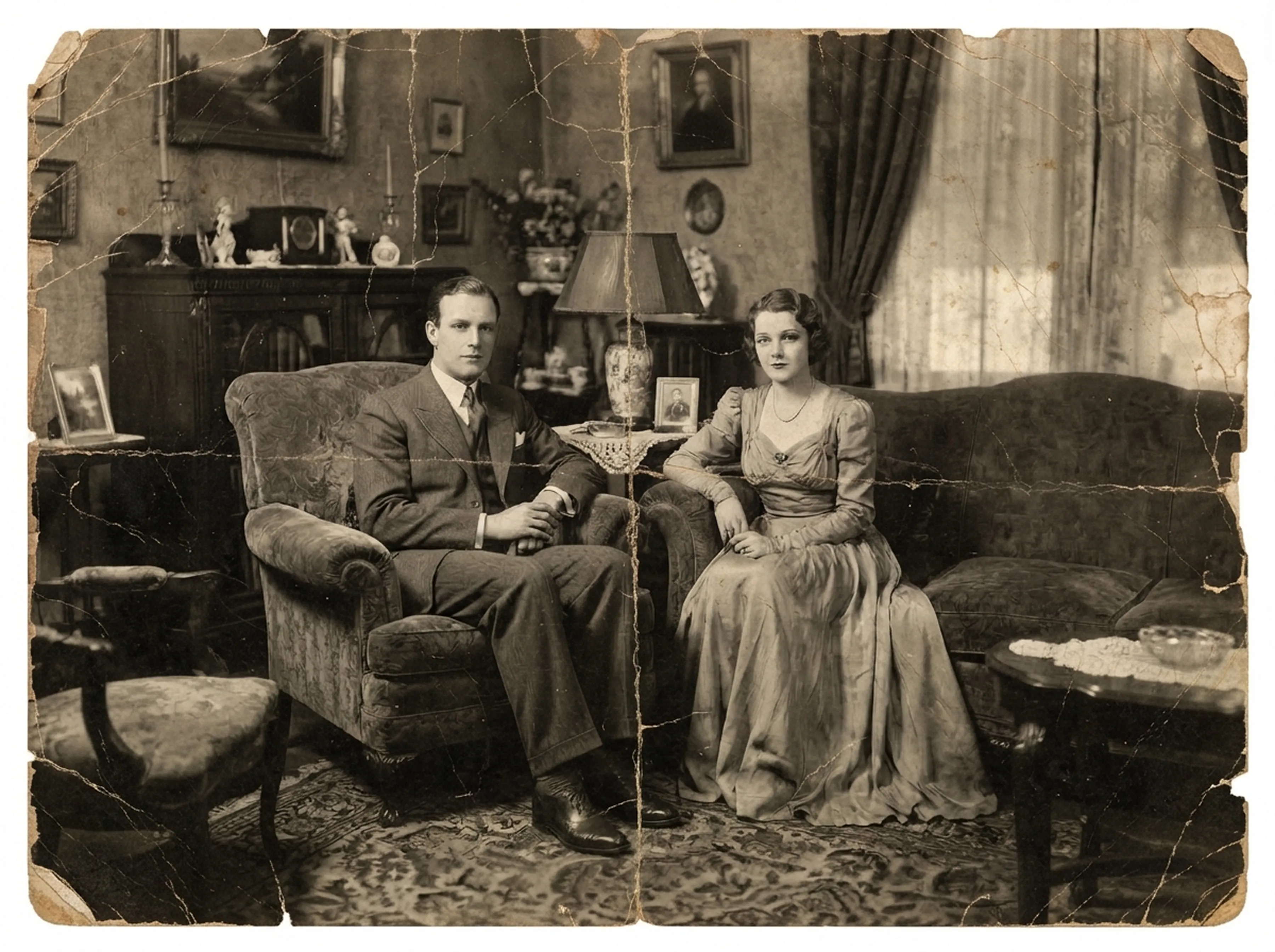
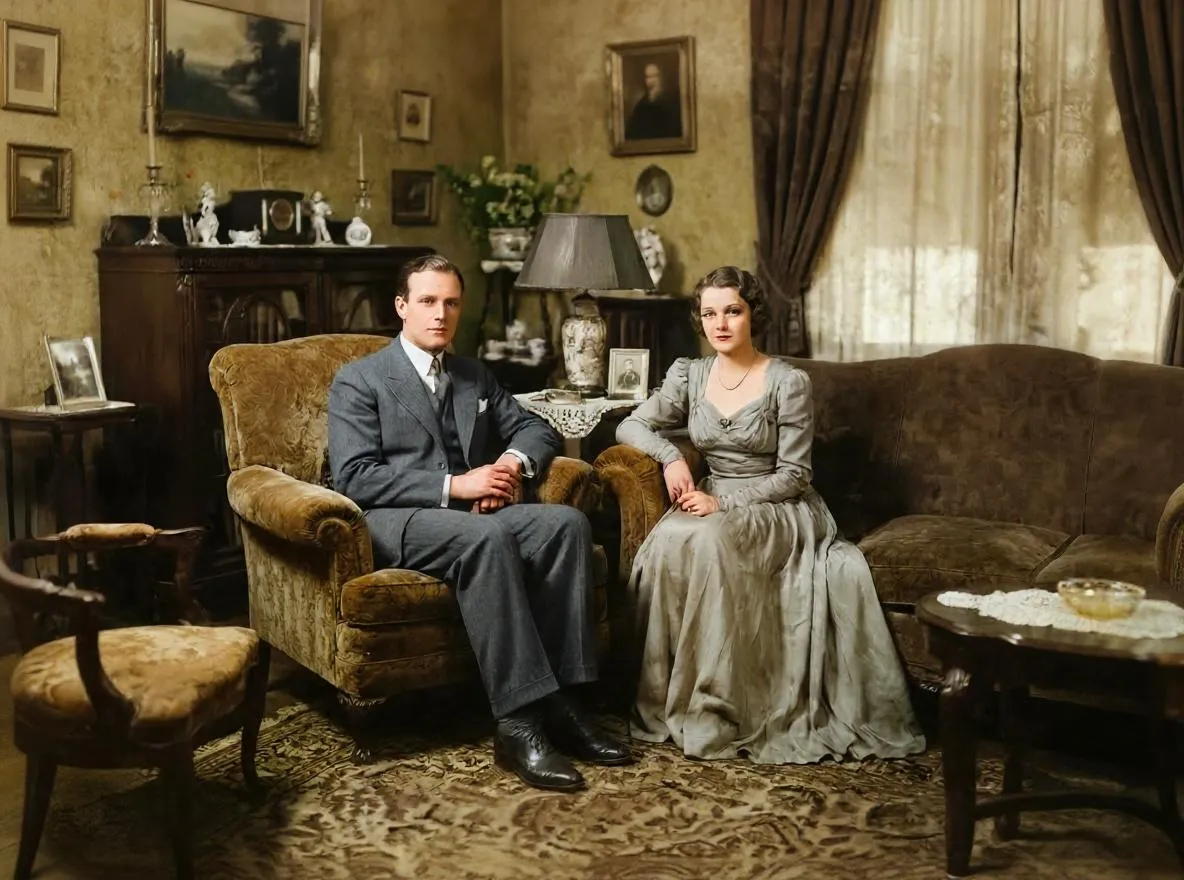
Turn black-and-white and sepia photos into natural color. Choose Natural, Vivid, Vintage or Cool styles to match the era of your photo.
Learn more about Colorize Black & White Photos →

Sharpen soft, low-resolution scans and upscale them so your old photos look crisp on screen and in print.
Learn more about Enhance & Upscale Photos →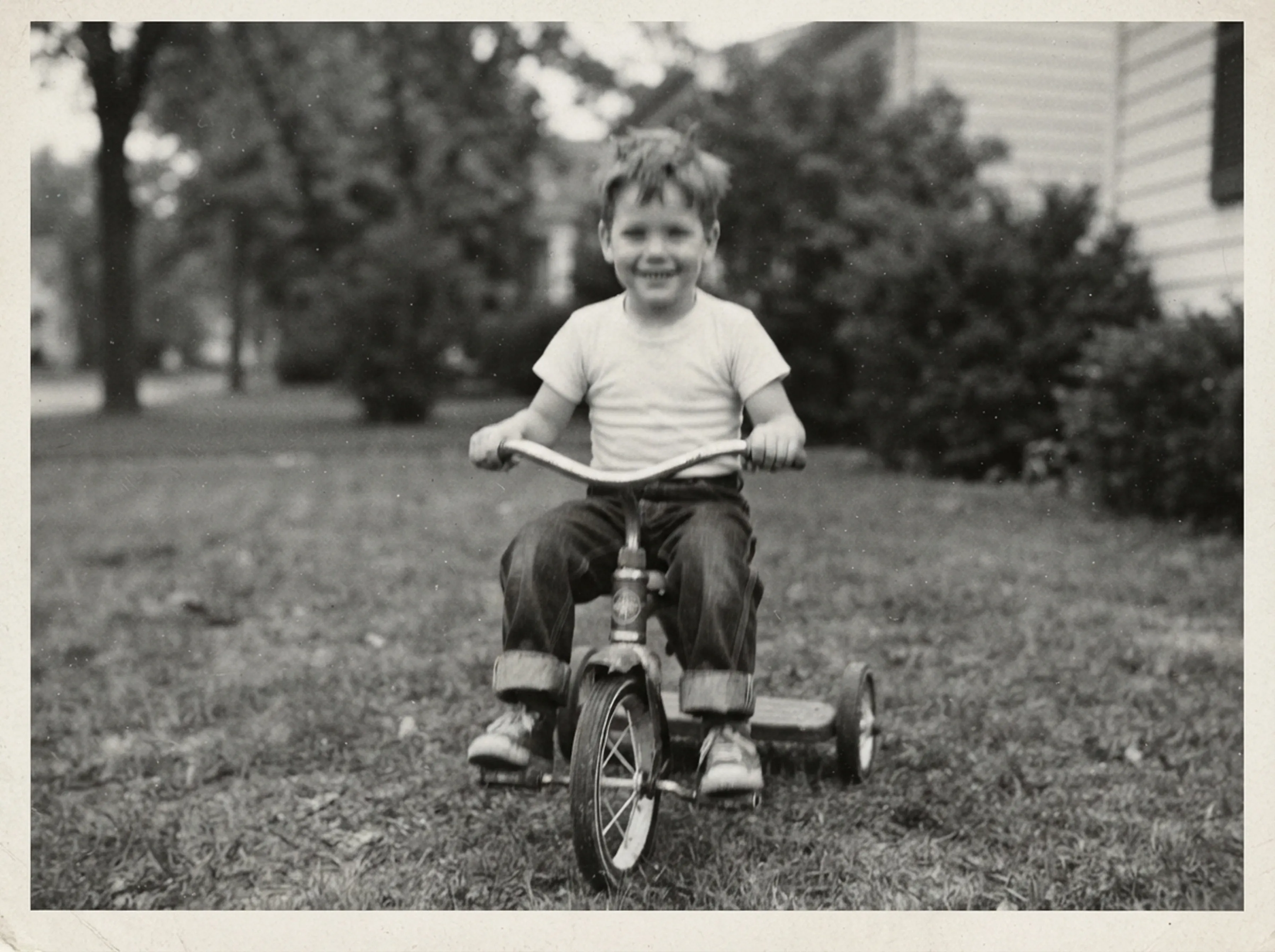
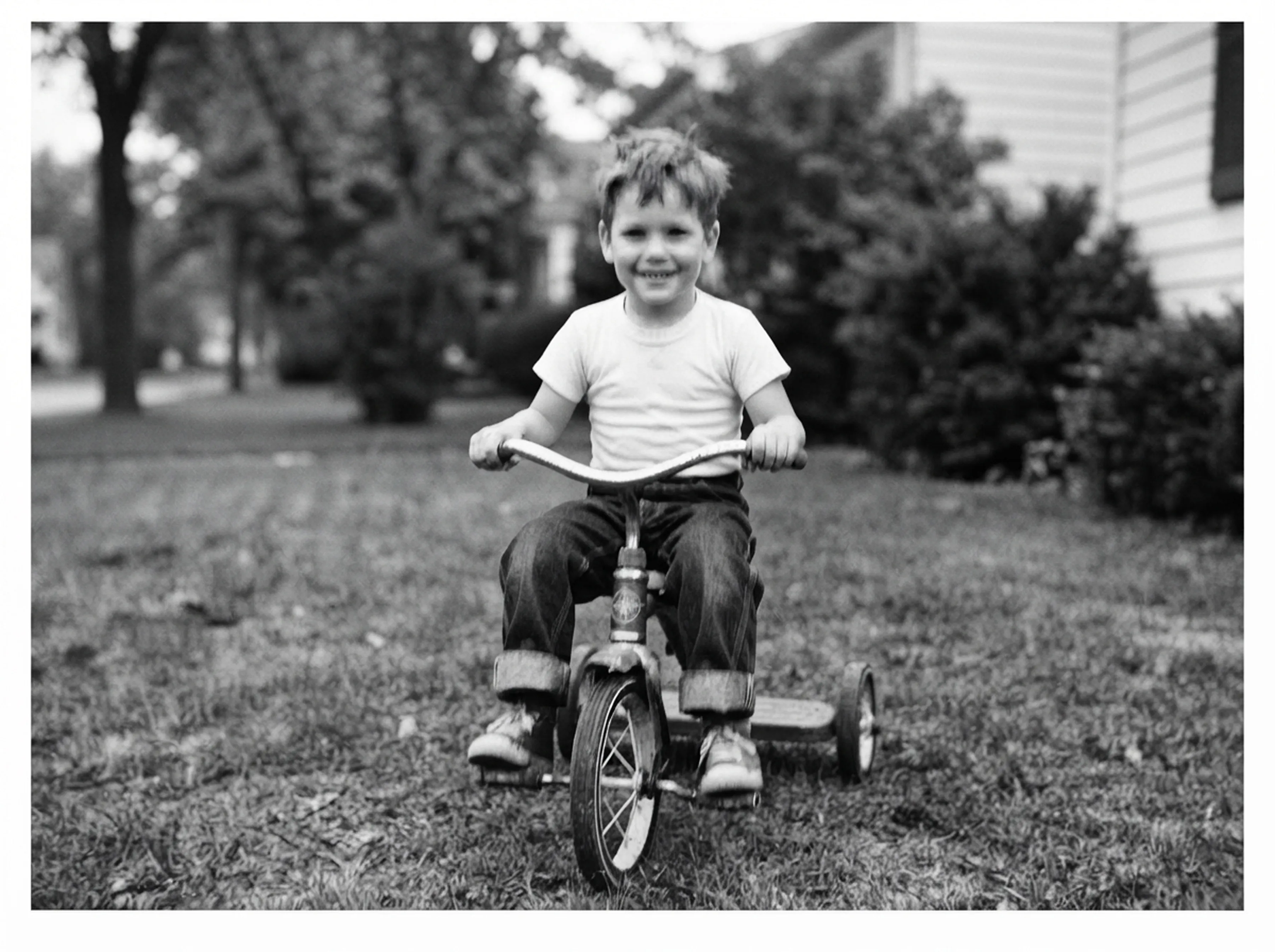
Erase scratches, dust spots, creases and small tears while keeping the character of the original photo.
Learn more about Remove Scratches & Tears →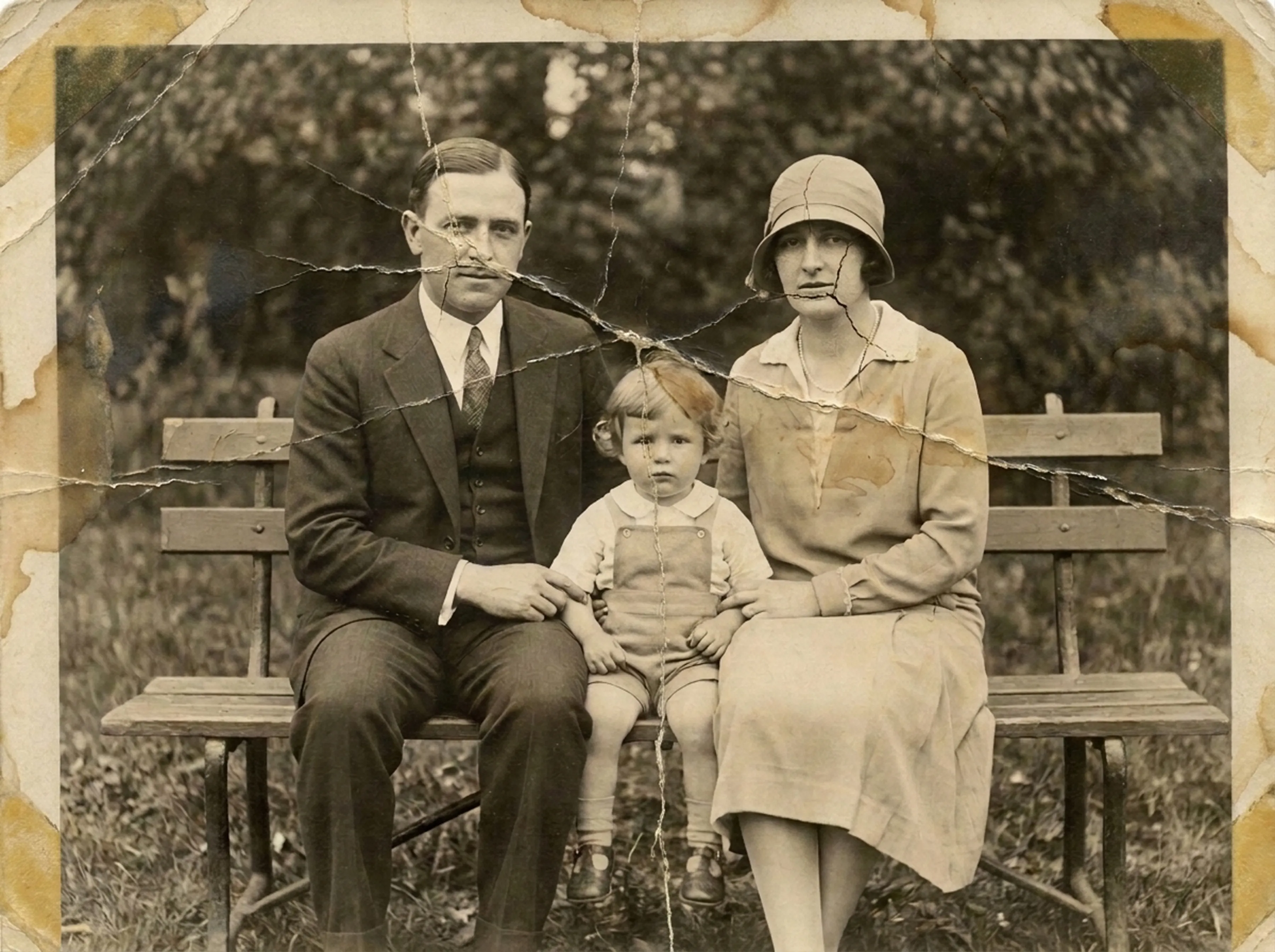
Bring old portraits to life with subtle, natural movement, and add optional voice narration to tell their story.
Learn more about Animate Old Photos →Recover clear, detailed faces from blurry or faded portraits so every family member is recognizable again.
Learn more about Enhance Blurry Faces →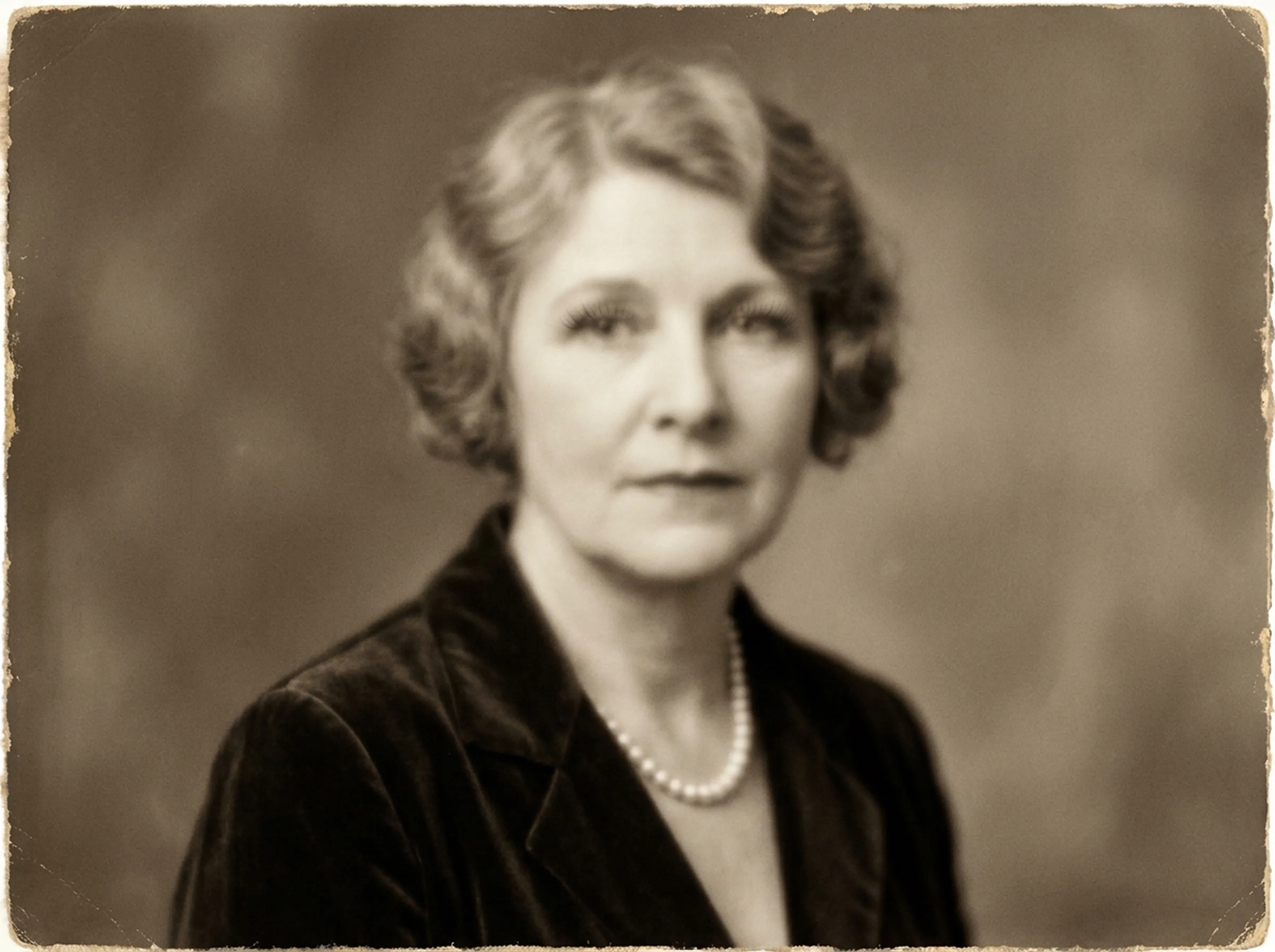

Drag each slider to inspect how damaged negatives and aged prints are revitalized with pixel precision.
Deep fold lines, torn corners and paper scratches filled in seamlessly while preserving the look of the original photo.
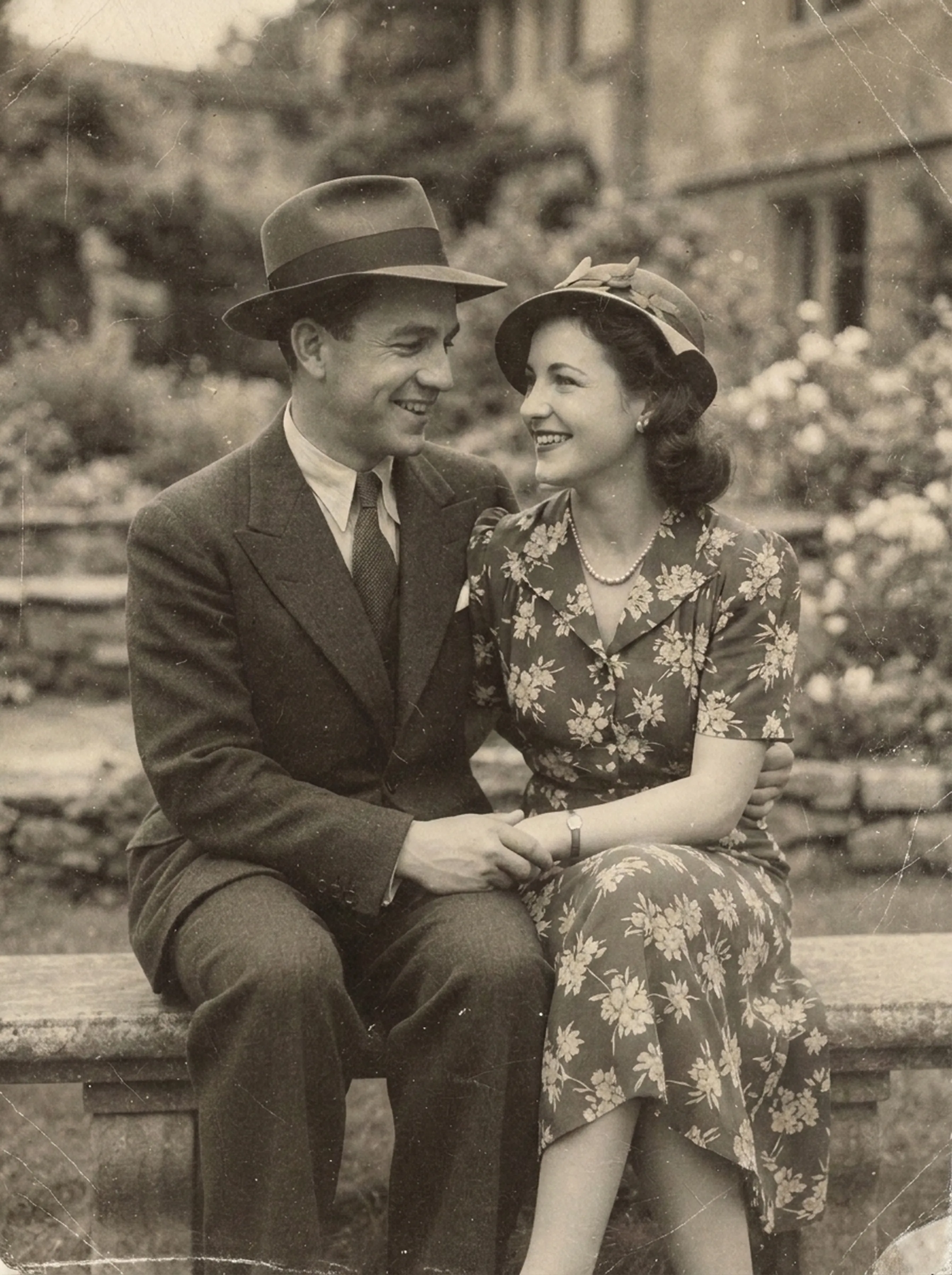
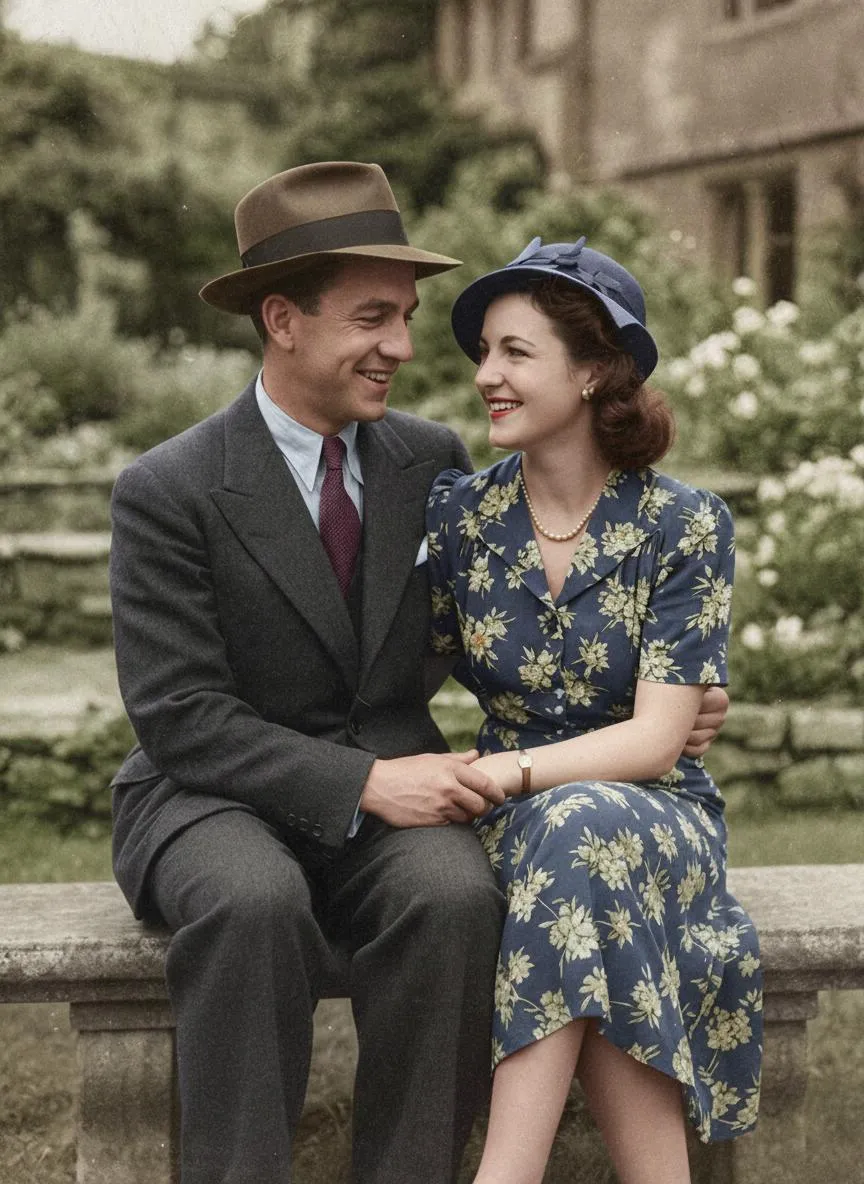
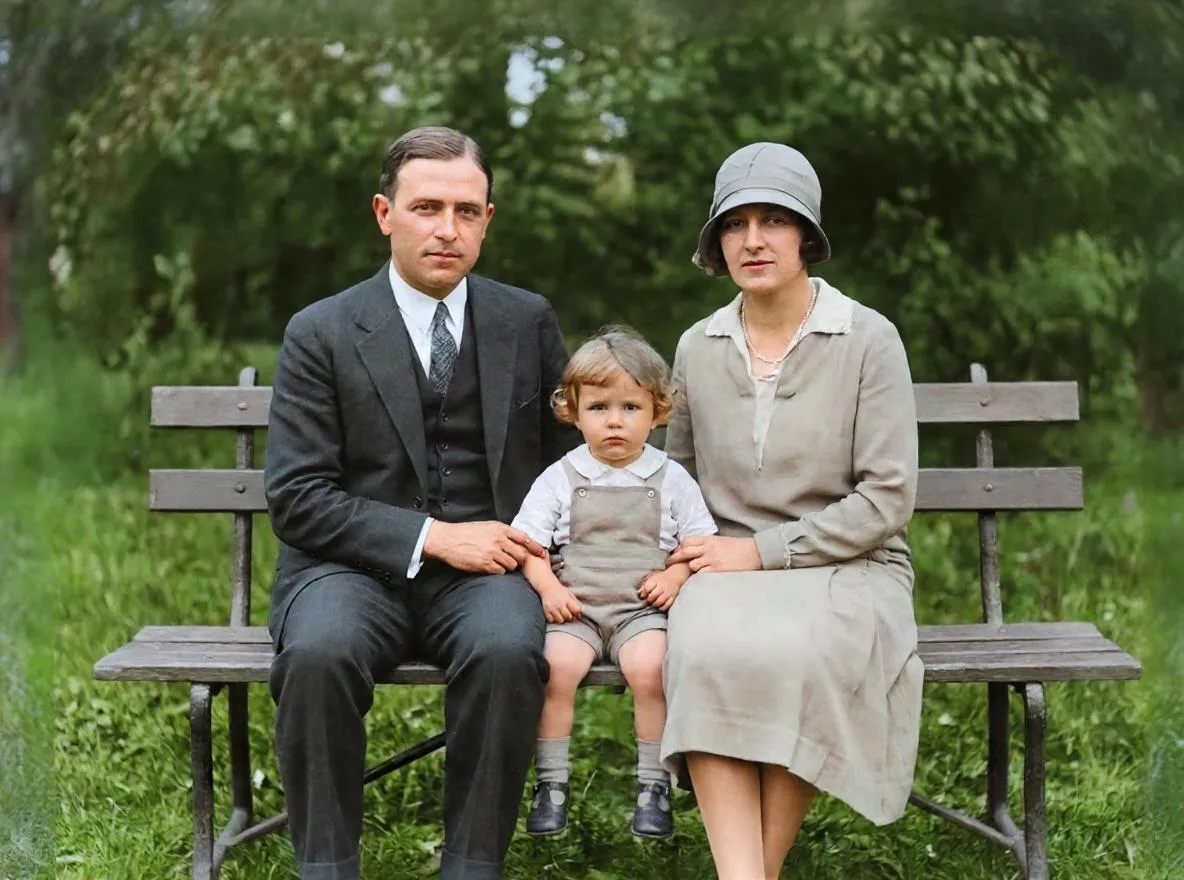
Monochrome studio portrait brought into warm, natural color tones with realistic wool textures and healthy skin hues.
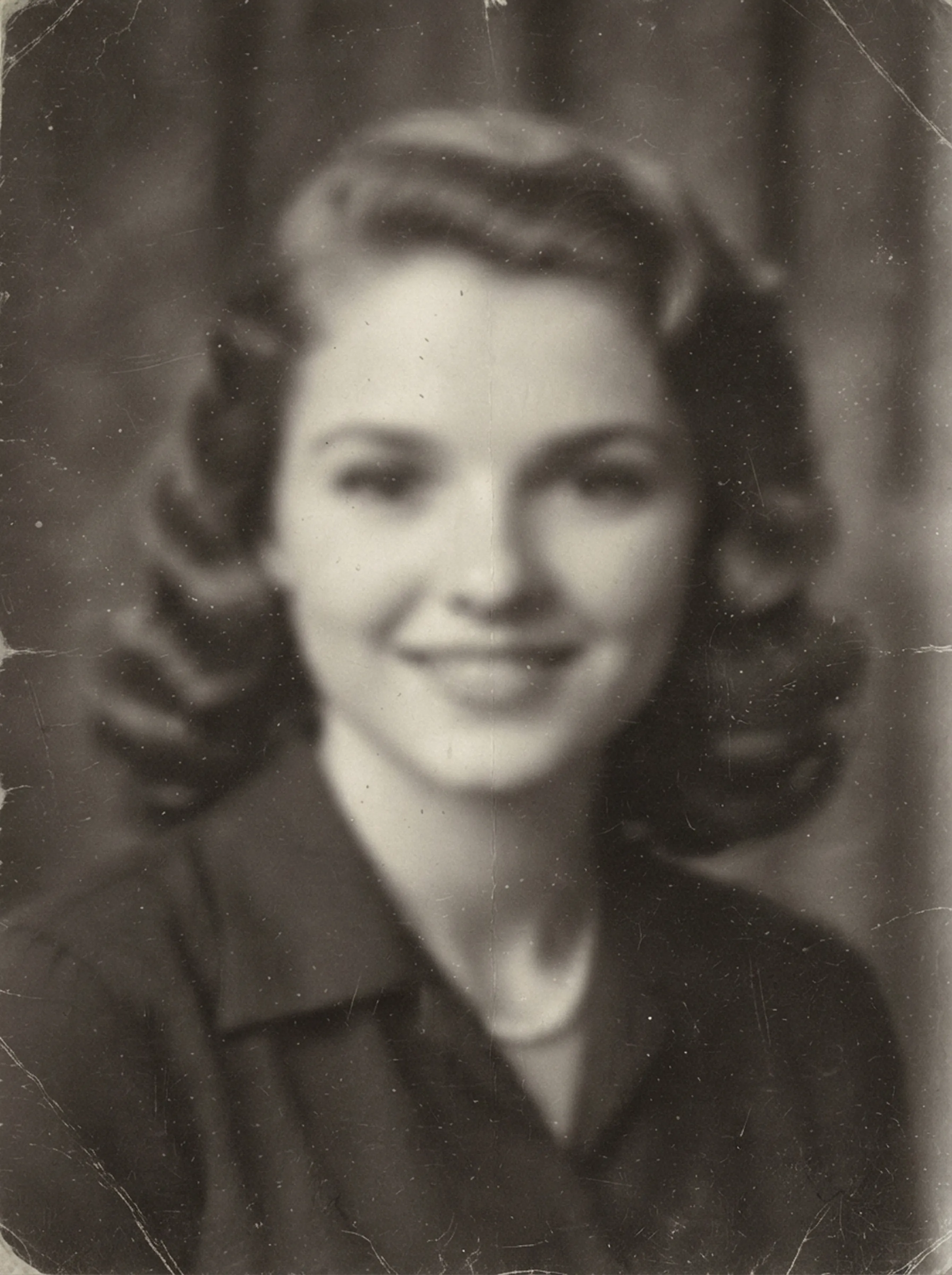

Out-of-focus portrait resolved with high-fidelity facial reconstruction, revealing sharp eyes and delicate pearl necklace details.
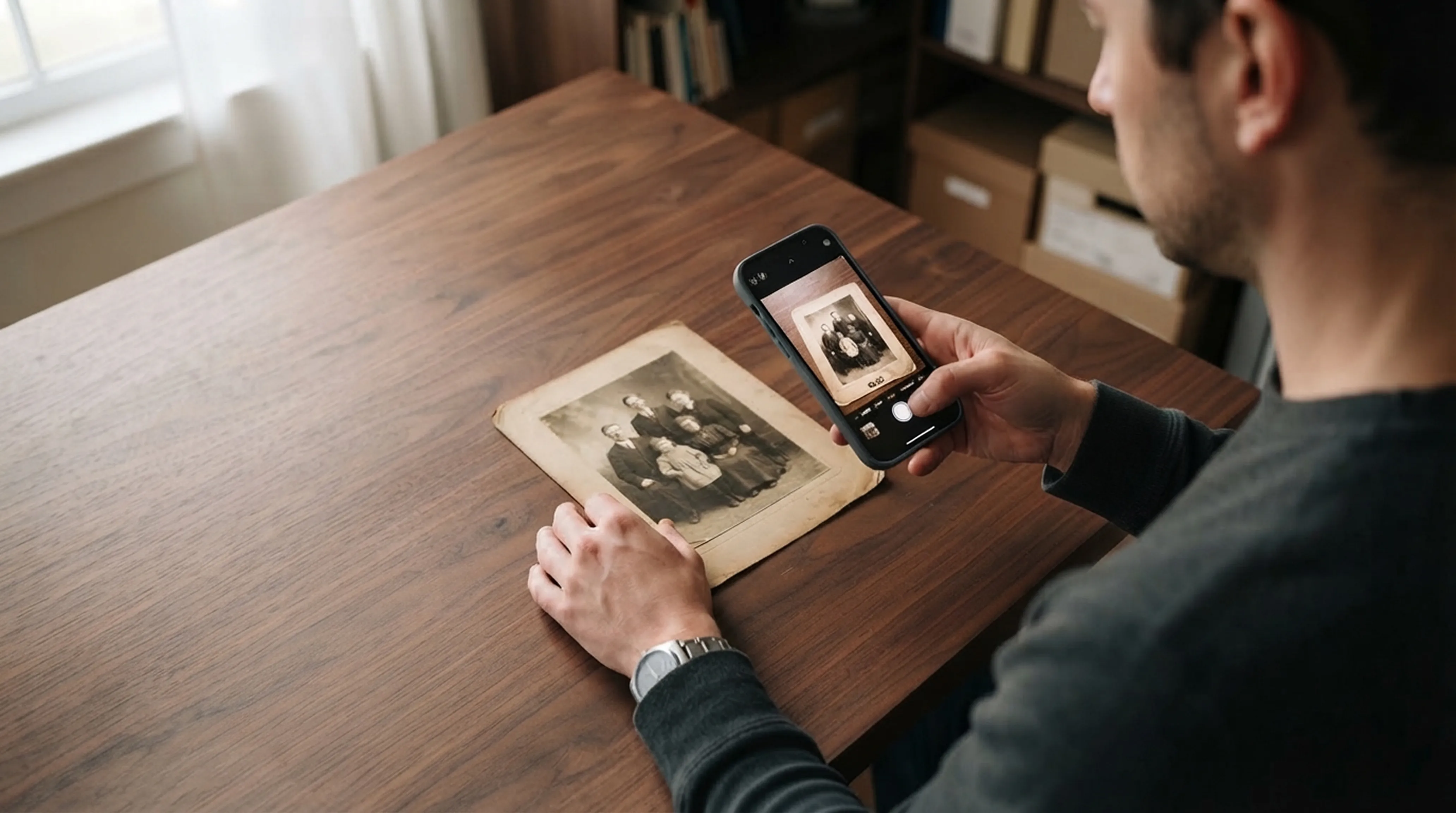
Snap a picture of any physical photograph with your phone's camera or import an existing scan from your photo library.
Select Restore, Colorize, Enhance or Animate with one tap. Retrocap's AI processes your photo in seconds.
Review the result side-by-side with an interactive slider. Export high-resolution prints or share animated videos with family.
Comparing instant AI restoration with manual Photoshop work and traditional studio services.
| Feature / metric | Retrocap appAI instant | Manual Photoshop | Pro restoration service |
|---|---|---|---|
| Turnaround time | Usually under a minute | 2 to 6 hours | 5 to 14 days |
| Skill needed | None / 1 tap | Advanced retoucher | Professional service |
| AI colorization | Included | Manual brush painting | Extra $25–$50 fee |
| Photo animation | Included (subtle motion) | Not supported | Rarely offered |
| Done on your phone | iPhone & Android | Desktop only | Mail-in physical prints |
See the full comparison: AI vs Photoshop vs a professional · best apps to restore old photos
Family heirlooms are deeply personal. Your photos are used only to create your results, are never sold, and you can delete your photos and data from the app at any time.
Real stories reconnecting families across generations.
Genealogists building family trees and documenting heritage with restored, high-resolution archival portraits.
Preservation & heritageHeartwarming anniversary, wedding or birthday presents that revive childhood memories in vivid, lifelike color.
Meaningful keepsakesHonor late relatives with dignified, crystal-clear portraits suitable for celebration of life programs and keepsakes.
Dignified remembranceUpscale low-resolution scans into sharper, print-ready files for canvas printing, hardbound scrapbooks and frames.
Print-ready archivalQuick answers to the most common questions about restoring old photos.
The best app is one that can handle every kind of damage in one place: scratches, tears, fading, blur and missing color. Retrocap is an AI photo restoration app for iPhone and Android that repairs, colorizes, sharpens and animates old photos, is free to download and shows a before-and-after comparison so you can judge the result yourself.
Install Retrocap from the App Store, take a photo of your print with the iPhone camera or pick a scan from your photo library, then tap Restore. Retrocap’s AI removes scratches, tears, blur and fading in seconds, and you can save the restored photo straight to your Photos library.
AI can add realistic, natural-looking color to black-and-white and sepia photos. Retrocap lets you choose a Natural, Vivid, Vintage or Cool style. Because the original colors were never recorded, the result is a realistic interpretation rather than an exact reconstruction.
Retrocap is free to download. Restoring, colorizing and animating photos uses credits, which come with a weekly or yearly subscription or with one-time token packs available inside the app.
Yes. Retrocap’s AI fills in torn corners, deep folds, tape marks and water stains by rebuilding the missing areas from the surrounding image. Results depend on how much of the original survives; areas that are completely missing, such as a lost face, cannot always be recovered.
Open the Animate tool and choose a portrait. Retrocap turns it into a short video with subtle, natural movement, and you can add optional voice narration before saving or sharing it.
Your photos are used only to create your results. To process them, Retrocap sends them securely to its AI processing partner. Your photos are never sold, and you can delete them and your data from the app at any time.
No. Retrocap needs an internet connection to restore, colorize, enhance or animate a photo, because the AI processing runs on cloud servers rather than on your phone. Connect to Wi-Fi or mobile data before you start.
Retrocap saves restored photos in high resolution, sharp enough for sharing on screen and for printing at common photo sizes.
Yes. Retrocap is available on Google Play for Android phones (Android 7.0 or later) and on the App Store for iPhone (iOS 16.4 or later).
Beginner guide
Step-by-step instructions on handling vintage prints, digitizing delicate negatives and using AI tools safely.
Colorization
What AI colorization can and can’t know about the past, and how to choose the right style for each era.
Scanning technique
Lighting tricks, angle secrets and lens cleaning practices for getting flatbed scanner quality from your smartphone.
Don’t let precious memories fade inside shoe boxes and dusty albums. Restore, colorize and cherish them today.