
Scanning technique
How to Scan Old Photos with Your Phone Without Glare
By the Retrocap Team · Updated
TL;DR
To scan an old photo with your phone, take it out of any frame or sleeve, lay it flat on a dark surface in soft daylight, turn off the flash and hold the phone parallel to the print. Fill the frame without zooming, take a few shots and keep the sharpest one.
To scan an old photo with your phone without glare, place the print on a flat, dark surface near a window with soft daylight, turn off the flash, and hold the phone directly above the photo so the camera is parallel to it. Glare comes from light reflecting straight off the print into the lens; soft, indirect light from the side prevents it.
With the right setup, a modern smartphone can capture old prints with enough detail for restoration and printing.
Once your photo is scanned, you can restore it with AI or sharpen blurry faces in a few taps.
What you need
- A smartphone with a clean camera lens
- A flat table near a window, or two lamps
- A sheet of black or dark matte card as a background
- Optionally, a small stand or a stack of books to keep the phone steady
Step 1: Clean the lens and the print
A fingerprint on the camera lens is the most common reason for hazy, low-contrast scans. Wipe the lens with a soft microfiber cloth.
Remove loose dust from the print with a soft, dry brush or a gentle puff of air. Do not wipe prints with a cloth or tissue, which can scratch the surface.
Step 2: Set up the light
Glare and reflections are caused by direct light bouncing off the glossy surface of the print.
- Use soft daylight. Place the photo near a window on an overcast day, or out of direct sunlight.
- Light from the sides, not from above. If you use lamps, place one on each side of the photo at a low angle, about 45 degrees.
- Turn off the flash. A flash creates a bright reflection in the center of glossy prints.
- Avoid overhead lights. Ceiling lights often reflect in the print right where your phone is.
Step 3: Position the phone correctly
- Hold the phone parallel to the photo. If the phone is tilted, the print looks like a trapezoid and parts of it go out of focus.
- Fill the frame. Get as close as your camera can focus sharply, with a small border around the print.
- Keep your shadow out of the picture. Stand so the light source is not behind you.
- Hold the phone steady. Rest your elbows on the table, use a stand, or use the timer so tapping the screen does not shake the camera.
If a glossy print still reflects, tilt the phone very slightly. The glare will move off the print. Small tilts can be corrected later by cropping.
Step 4: Take the photo
- Tap the screen on the photo to focus and set the exposure.
- Use the phone’s main camera, not the ultra-wide lens, which distorts the edges.
- Take two or three shots. Pick the sharpest one.
Do not scan photos through the glass of a frame or the plastic sleeve of an album. Reflections from glass and plastic are almost impossible to remove. Take the print out first, if it is safe to do so.
Step 5: Restore and save
Once you have a sharp, glare-free copy, you can repair scratches, tears and fading with a restoration app. In Retrocap, you can take the photo directly in the app or import it from your photo library, then tap Restore. Our beginner’s guide to restoring old photos walks you through the full process.
Keep the original phone scan as well as the restored version.
Frequently asked questions
Is a phone as good as a flatbed scanner? For most prints, a recent smartphone gives results that are good enough for restoration, sharing and standard prints. A flatbed scanner still captures more detail for very small prints you want to enlarge.
How do I scan a photo stuck in an album? If the album has a plastic sheet, lift it carefully before scanning. If the photo is stuck, scan it in place and tilt the phone slightly to avoid reflections.
How do I scan a curled photo? Do not press it flat by force. Scan it as it is and correct the shape later, or ask a photo conservator to flatten a valuable print safely.
Frequently asked questions
Is a phone good enough to scan old photos?
Yes. A modern phone camera in soft, even light captures enough detail for restoration, sharing and printing at common sizes.
How do I avoid glare when scanning photos with my phone?
Use indirect daylight, turn off the flash, remove the photo from glass or plastic and tilt the print slightly if you still see reflections.
Should I zoom in to capture more detail?
No. Move the phone closer instead. Digital zoom reduces detail, while filling the frame with the photo keeps it.
Related guides
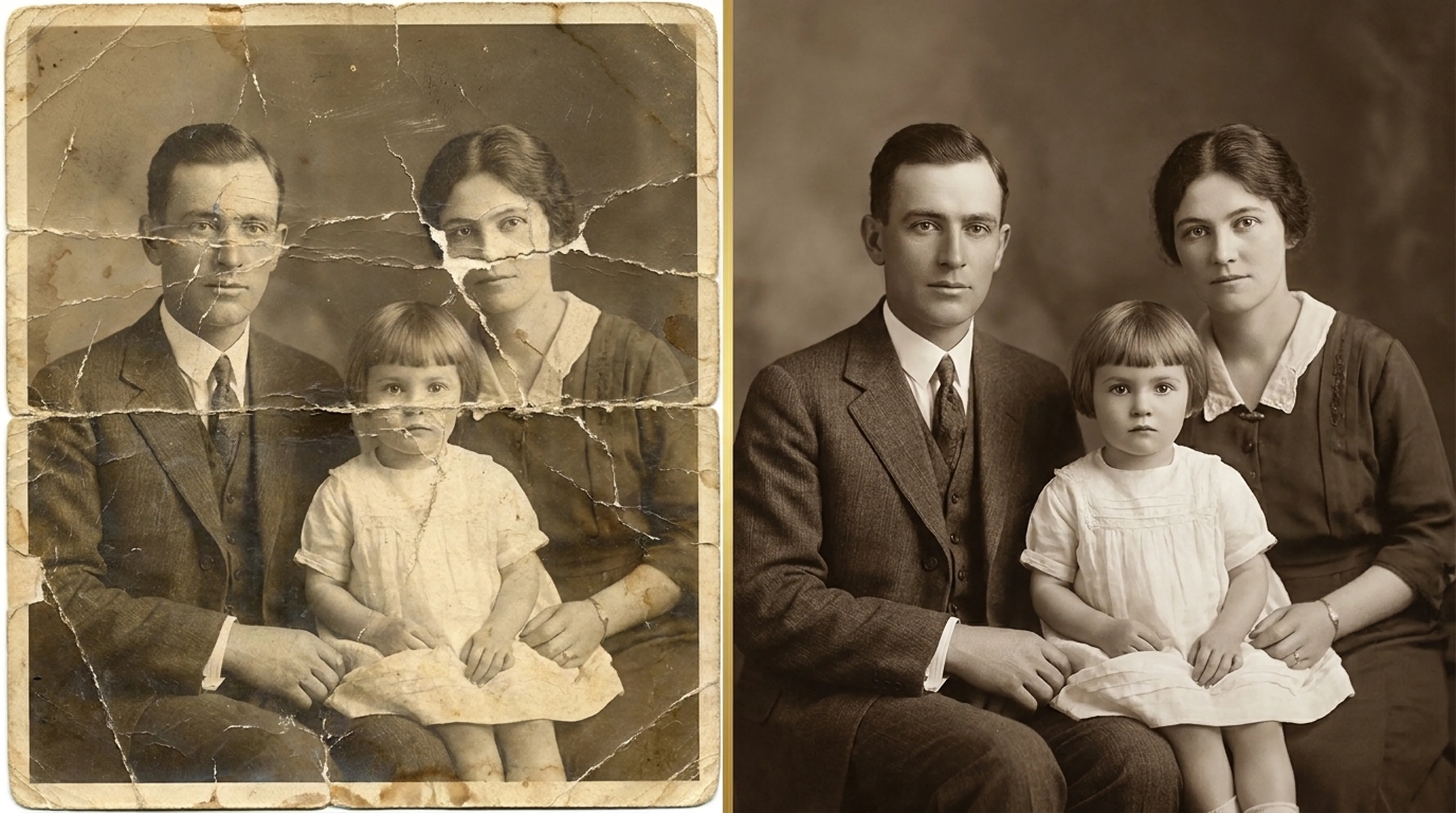
Beginner guide
How to Restore Old Photos: A Complete Beginner’s Guide
Step-by-step instructions on handling vintage prints, digitizing delicate negatives and using AI tools safely.
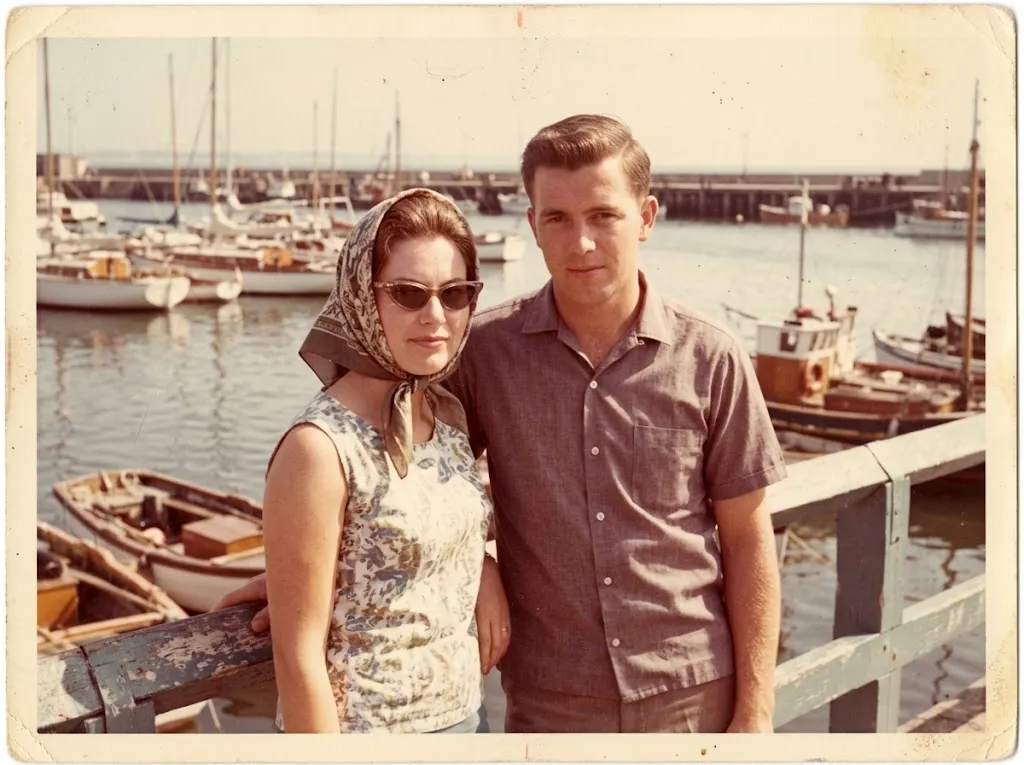 Before
 After
AfterRestoration
How to Restore Old Photos on iPhone
Restore old, scratched and faded photos on iPhone with AI. Capture a good copy of the print, repair it in Retrocap and save it to your Photos library.
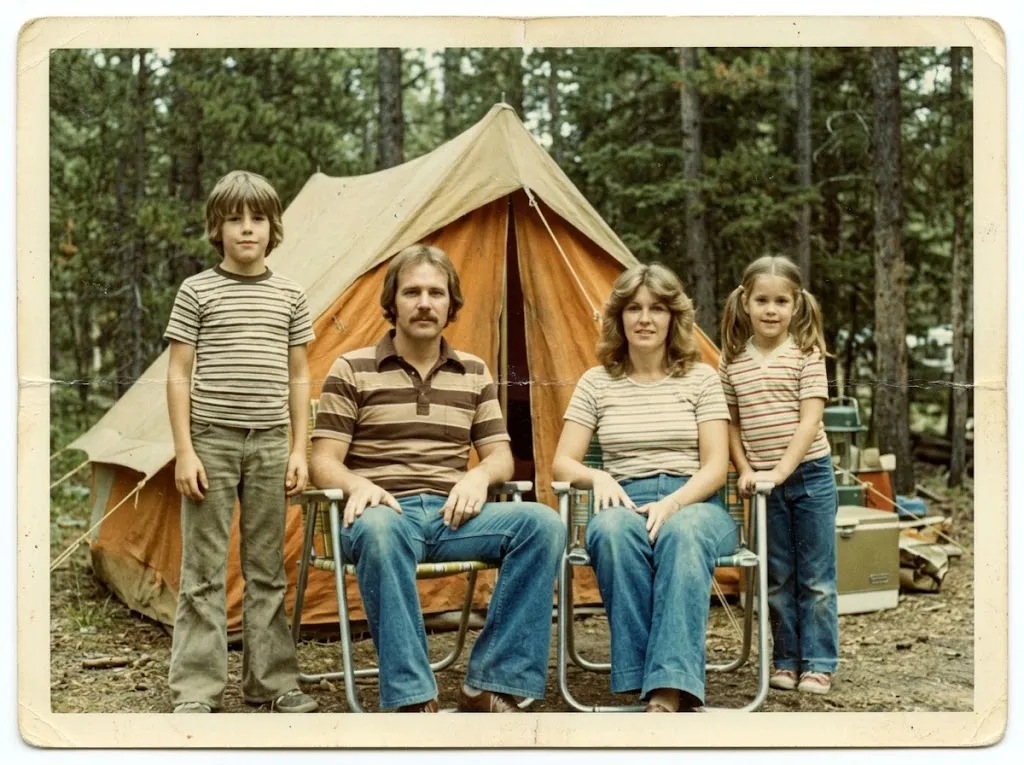 Before
 After
AfterRestoration
How to Restore Old Photos on Android
Restore old, scratched and faded photos on your Android phone with AI. Learn how to photograph the print, repair it in Retrocap and save it to your gallery.