
Colorization
How to Colorize Black and White Photos Realistically
By the Retrocap Team · Updated
TL;DR
To colorize a black-and-white photo, restore any scratches or fading first, then open Retrocap's Colorize tool and choose a Natural, Vivid, Vintage or Cool style. Compare the styles, keep the one that suits the photo and remember that AI colors are a realistic interpretation, not a record.
To colorize a black and white photo, you make a good digital copy of it and use an AI colorization tool to add color, then check the result against what you know about the people and the era. AI produces realistic color quickly, but it is always an interpretation: a black and white photo does not contain the original colors, so no tool can recover them exactly.
This guide explains what AI colorization can and cannot do, and how to get the most natural results.
You can compare the Natural, Vivid, Vintage and Cool styles on our black and white photo colorizer page.
What AI colorization actually does
A black and white photo records only brightness. A red dress and a green dress of the same brightness look identical in grey. When an AI colorizes a photo, it recognizes objects such as skin, sky, grass and fabric, and predicts colors that are typical for them.
This means:
- Skin, sky, foliage and wood are usually colorized convincingly, because their colors are predictable.
- Clothing, cars, painted walls and flags are guesses. The AI picks a plausible color, which may not be the real one.
- Eye color cannot be known from a black and white photo at all.
Think of a colorized photo as a realistic reconstruction, not as a historical record.
Step 1: Start with a clean, sharp copy
Colorization works best on a photo without scratches, stains or a strong yellow cast. If your photo is damaged, restore it first, then colorize the restored version. Our beginner’s guide to restoring old photos explains how.
Step 2: Colorize with an AI tool
With Retrocap, open the Colorize tool and choose your photo. You can pick a style to match the photo:
| Style | Best for |
|---|---|
| Natural | Most portraits and everyday scenes |
| Vivid | Outdoor scenes, celebrations, travel photos |
| Vintage | A softer look that keeps the feel of an old print |
| Cool | Winter scenes, cityscapes, calmer tones |
Try more than one style and compare them. The most accurate result is not always the most colorful one.
Step 3: Check the result against what you know
Family knowledge is the best source of accuracy. Before you share a colorized photo:
- Ask relatives what they remember: hair color, eye color, the color of a uniform, a car or a wedding dress.
- Look for other photos from the same event, especially early color photos or slides.
- Check historical references for uniforms, flags and vehicles. Military and school uniforms often had fixed colors that are well documented.
If the AI chose a color you know is wrong, note it when you share the photo, or use a photo editor to adjust that area.
Step 4: Keep the original
Always keep the black and white version next to the colorized one. The original is the true historical record; the colorized version is a way to make it feel closer and more alive.
When you share colorized photos, especially in family trees or genealogy archives, label them as colorized so others know the colors are an interpretation.
Frequently asked questions
Can AI know the real colors of an old photo? No. Black and white photos do not store color information. AI predicts realistic colors based on what objects usually look like.
Why do skin tones sometimes look wrong? Faded or yellowed prints can confuse the AI. Restoring the photo before colorizing it usually gives more natural skin tones.
Is it okay to colorize historical photos? Yes, as long as you keep the original and make it clear that the color has been added later.
Frequently asked questions
Can AI colorize black and white photos accurately?
AI can add realistic, natural-looking color to black-and-white and sepia photos. Because the original colors were never recorded, the result is a realistic interpretation rather than an exact reconstruction.
Which color style should I choose?
Natural is a good first choice for portraits. Vivid suits outdoor scenes, Vintage keeps a period feel and Cool works well for winter, seaside and evening photos.
Should I restore a photo before colorizing it?
Yes. Scratches, creases and stains can confuse colorization, so restore damaged prints first and colorize the clean version.
Related guides
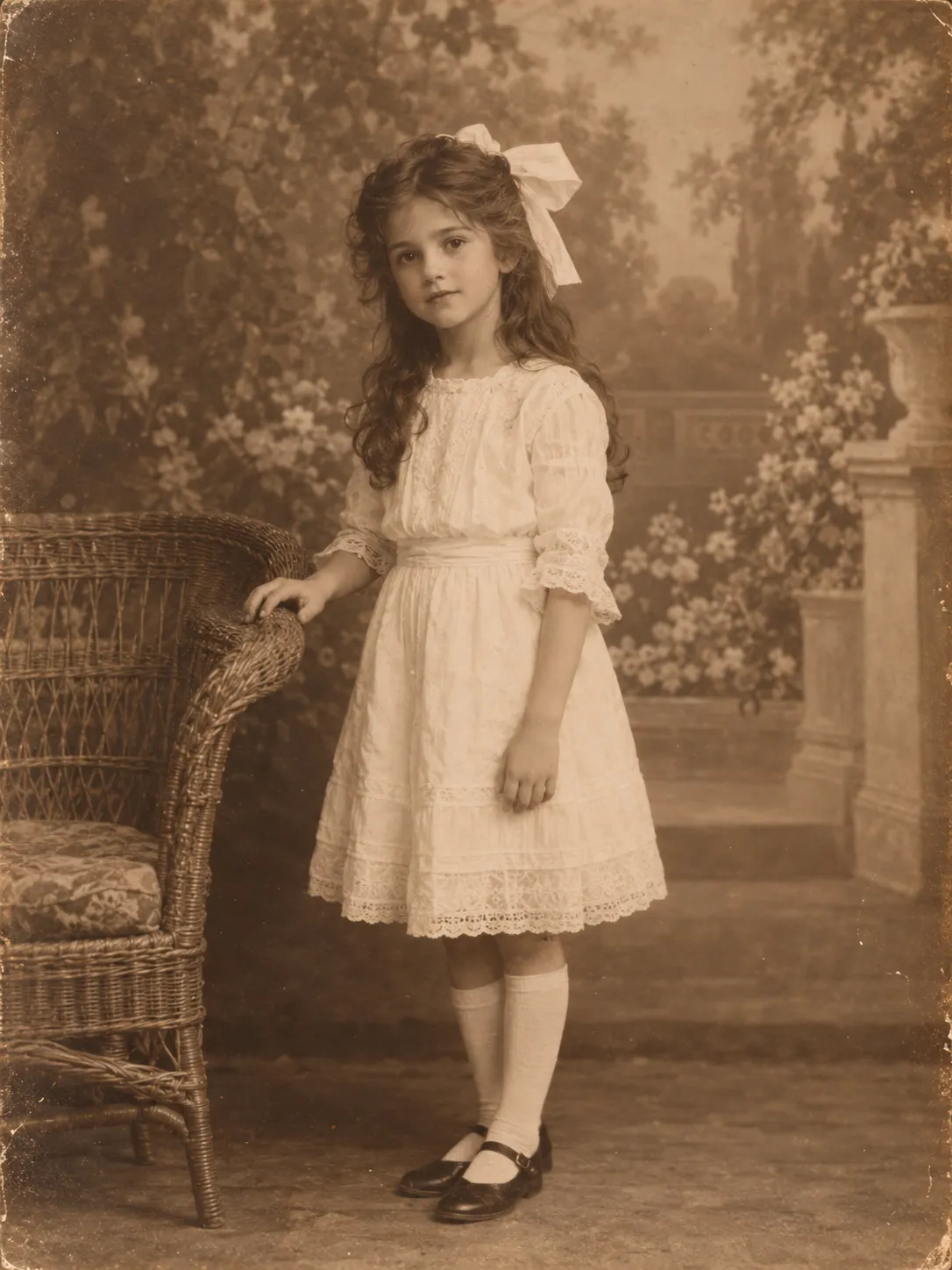 Before
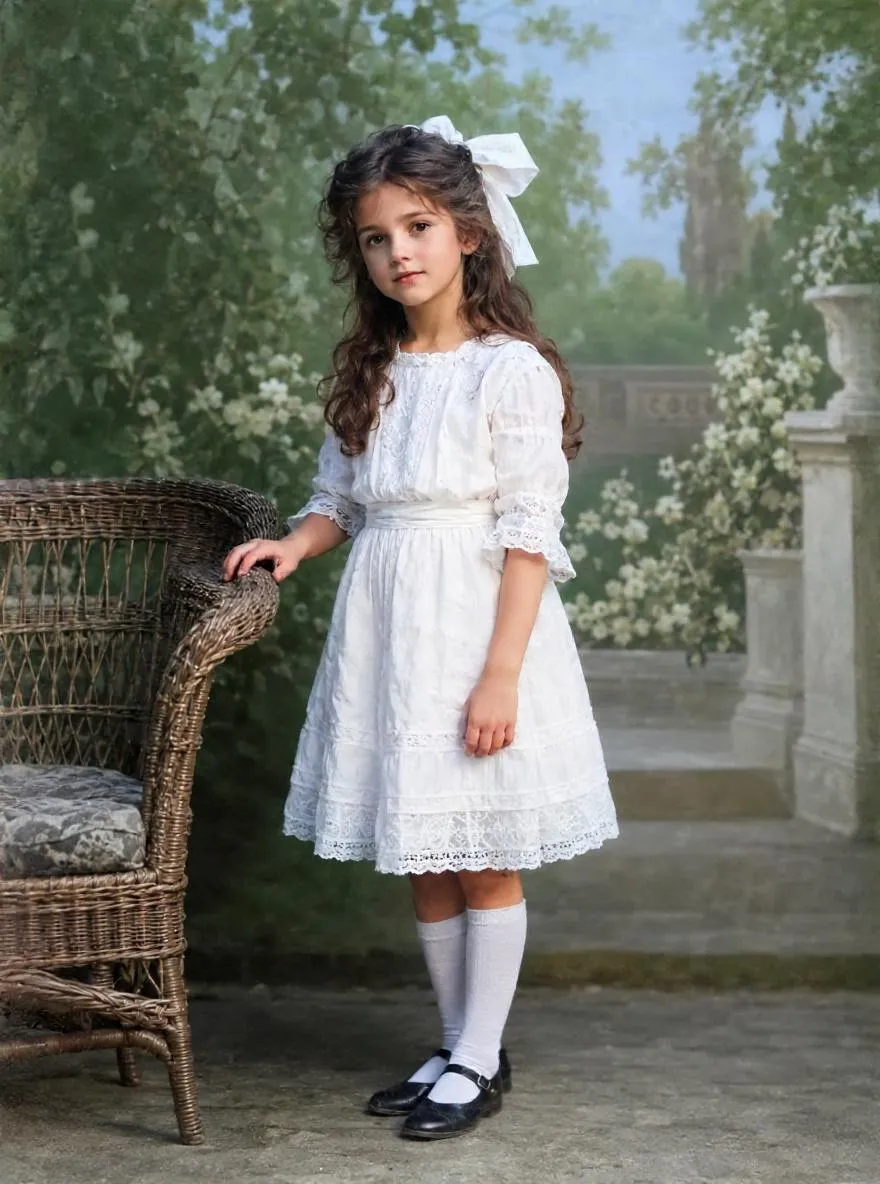 After
AfterColorization
How to Colorize Sepia Photos with AI
Colorize brown, faded sepia prints with AI. Learn what makes a photo sepia, whether to keep the tone and how to use Natural, Vivid, Vintage or Cool styles.
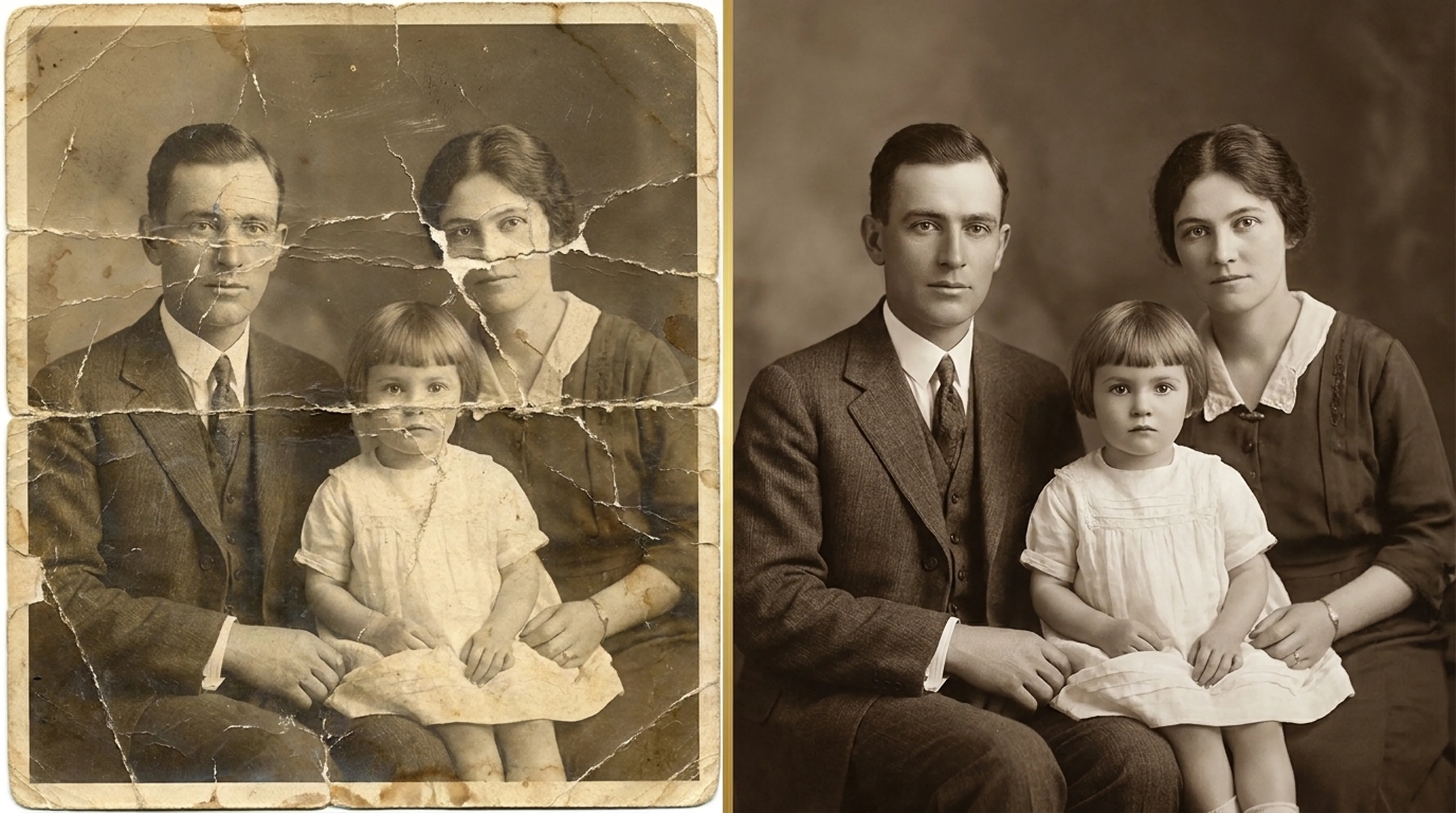
Beginner guide
How to Restore Old Photos: A Complete Beginner’s Guide
Step-by-step instructions on handling vintage prints, digitizing delicate negatives and using AI tools safely.
Animation
How to Animate Old Photos
Turn an old family portrait into a short video with natural movement. Which photos animate best, how to do it in Retrocap and how to share it respectfully.